Throughout your career as a graphic designer, illustrator or any other creative role you may have, there are generally three mile markers during your career.
- When you’re just starting out when you’re most likely right out of college.
- The mid-point in your career where you’ve had some success and have some great clients, but you haven’t reached the level of a seasoned pro.
- When you’re a seasoned pro, you’ve been working in the field for a good amount of years, have a Rolodex that is bursting at the seams and loving life.
But at each of the three points, we started to wonder what the best gear for each stop along the way would be. What tools would not only help you succeed at that point but help you move to the next one as well? With that in mind, we crafted a list of the Best Tools for Graphic Designers including the best software, hardware and equipment and broke it down by each point in your career. That way, you can be at the top of your game no matter where you are in the game.
Before buying anything, there are three major points to consider before you buy anything so let’s start there shall we?
Things to Consider When Buying Graphic Design Tech
Cost
Depending on your situation, considering the cost of the gear that you use on a day to day basis could be very important. If you’re just starting out running your own business, funds may be at a minimum so the cost that the gear you use may come into play much more than if you have been running a successful business for several years.
Quality
With cost, comes quality. For many products, the higher the price, the better the quality the item has. This can also pertain to the way an item feels in your hands or when you are using it. Regardless of the price, a piece of tech that feels cheaply made when you use it will probably not last very long and you’ll be forced to replace it much sooner than you may have anticipated.
Comfort
We all love to feel comfortable right? Whether it is our favorite pair of jeans, chair or piece of gear, being comfortable while using it is perhaps the most important thing to consider. The gear you choose will be used repeatedly in your line of work. Choosing something that makes you uncomfortable will just make your work suffer over time.
The Best Gear for Graphic Designers in 2019
We know that when you’re in the market for new gear or simply window shopping for your next upgrade, going through list after list just to find the one product that you are interested in can become mind-numbingly painful.
Because the adage, “time is money” can ring truer for some people more now than ever, we wanted to provide you dear reader with a handy, clickable guide broken down into the different stages in your career to make finding the best gear as easy as possible.
Check below to see a full listing the Best Tools for Graphic Designers in 2019, for both beginners and professionals. Feel free to click the link for any product on the list to be taken right to it.
The Essentials For All Levels ($50)
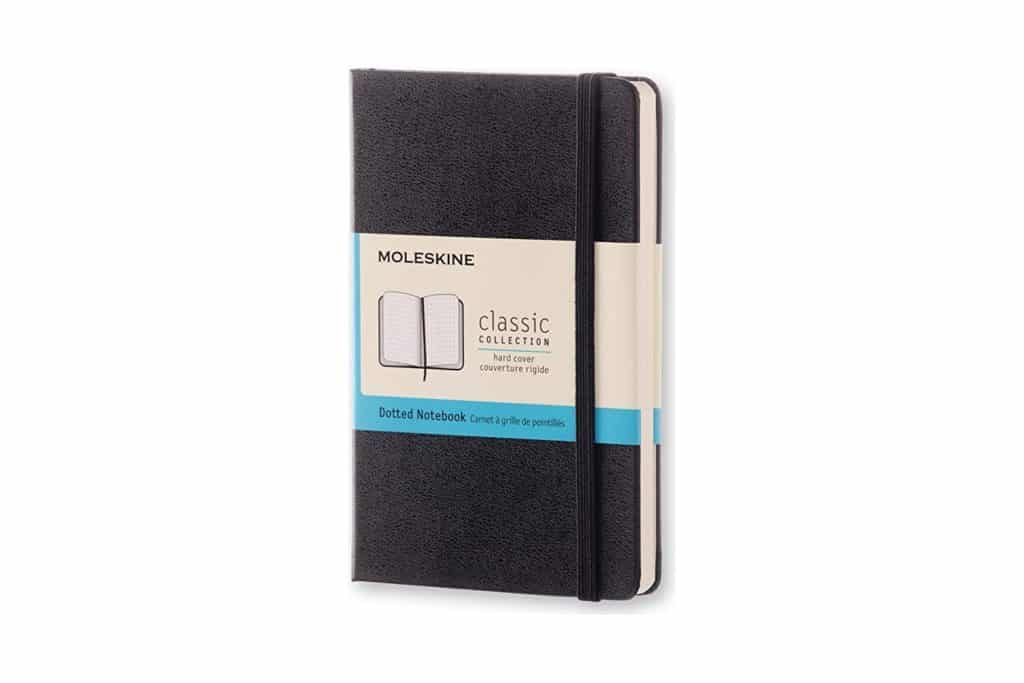
- Notebook: Moleskine Classic -$15 (See best notebooks)
- Pens: Copic Multiliners – $23 (See best pens)
- Creative Software: Adobe Creative Cloud (Get 40-65% off here or a free 7 day trial)
Beginners ($2435)
- Laptop: Lenovo Yoga 730 – $579
- and/or Desktop Computer: HP Pavilion Power Gaming Desktop Computer – $775
- Monitor: Samsung LU28E570DS/ZA 28″ UHD 4K Led-Lit Monitor – $249
- Tablet: Parblo Coast10 10.1″ Digital Pen Tablet Display Drawing Monitor – $198
- Mouse: Microsoft Bluetooth Mobile Mouse 3600 – $24
- Printer: HP ENVY 5055 Wireless All-in-One Photo Printer – $59
- Camera: Nikon D3500 – $397
- External Hard drive: Western Digital My Passport – $99
- Ergonomic Chair: Office Essentials Mesh Back Swivel Chair by Amazon -$55
» View All Beginner Gear on Amazon
Mid-Career Expert ($8761)
- Laptop: Dell XPS 15 – $1429 – $1738
- and/or Desktop Computer: HP Envy 34″ Curved All-in-One – $1879
- Monitor: Dell UltraSharp UP3216Q – $1048
- Tablet: Wacom Cintiq 13HD Interactive Pen Display – $799
- Mouse: Logitech MX Ergo Wireless – $79
- Printer: Epson Expression Photo HD XP-15000 Wireless Color Wide-format Printer – $299
- Camera: Panasonic Lumix GH5 – $2398
- External Hard drive: WD My Book Duo External Hard Drive – $320
- Ergonomic Chair: Sayl by Herman Miller – $510
» View All Mid-Career Gear on Amazon
Polished Professional ($14,680)
- Laptop: Microsoft Surface Book 2 – $1220 – $1600+
- and/or Desktop Computer: Apple iMac 5K Pro – $4920
- Monitor: Eizo ColorEdge G2420-BK – $2426
- Tablet: Wacom DTH1620AK0 Cintiq Pro 16″ Graphic Tablet with Link Plus – $1499
- Mouse: Logitech MX Master 2s – $79
- Printer: Canon PIXMA Pro-100 Wireless Color Professional Inkjet Printer $331
- Camera: Canon EOS 5D Mark IV – $3549
- External Hard drive: G-Technology G-RAID with Thunderbolt – $529
- Ergonomic Chair: Aeron by Herman Miller – $1270
Extra Gear worth Considering
- Color Guide: Pantone Swatch Book – $214
- Monitor Calibrator: X-Rite ColorMunki Smile – $97
- Smart Phone: Samsung Galaxy S8+ or iPhone $379 / $799
- Dry Erase Board: VIZ-PRO Magnetic Dry Erase Board – $29
- Noise-Cancelling Earphones: Bose SoundSport Free – $199
- Standing Desk: FlexiSpot Standing Desk $280
If you’re interested in the full detailed list, please keep reading.
The Best Gear for Graphic Designers in 2019
While we all wish that we could be at a point in our careers where the clients keep coming, the money keeps coming and life is good, on Day 1, the reality is, we all start somewhere. Everyone has their own journey to success and the right tools can help you move down the career path and closer to that end goal.
With our focus on the three different points in your career, recommending a high-priced tablet when you’re just starting out might not be the best idea. Honestly, if you’re just starting out and can afford the best gear out there, go for it. It can only help you progress faster.
As Paul Arden, creative director at Saatchi & Saatchi put it:
“If you get stuck, draw with a different pen. Change your tools; it may free your thinking.”
Let’s get started!
The Essentials For All Levels
No matter where you are in your career, regardless of the creative industry that you work in, every role has those tools that when you start they should hand you in a welcome package. We call these The Essentials For All Levels. If you look over our list and aren’t interested in anything that you see, you should make special considerations for the items below.
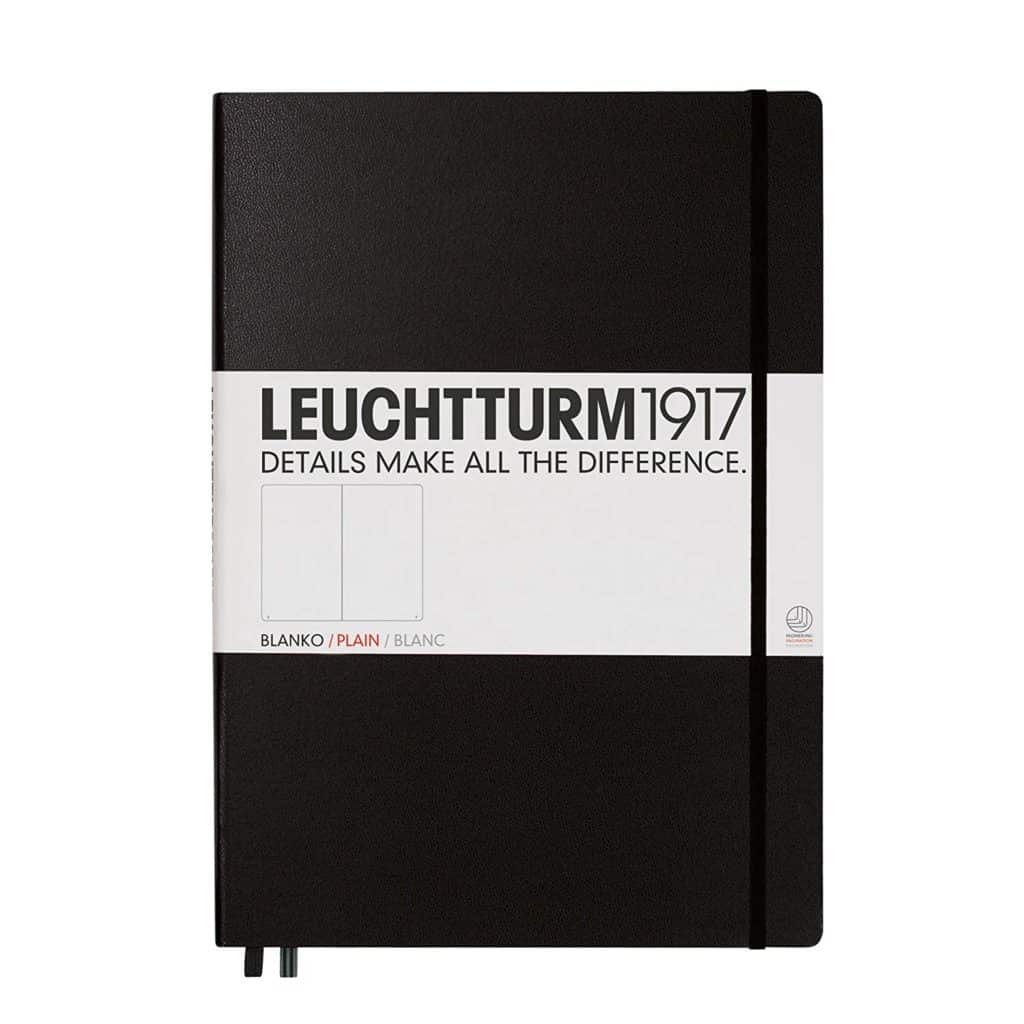
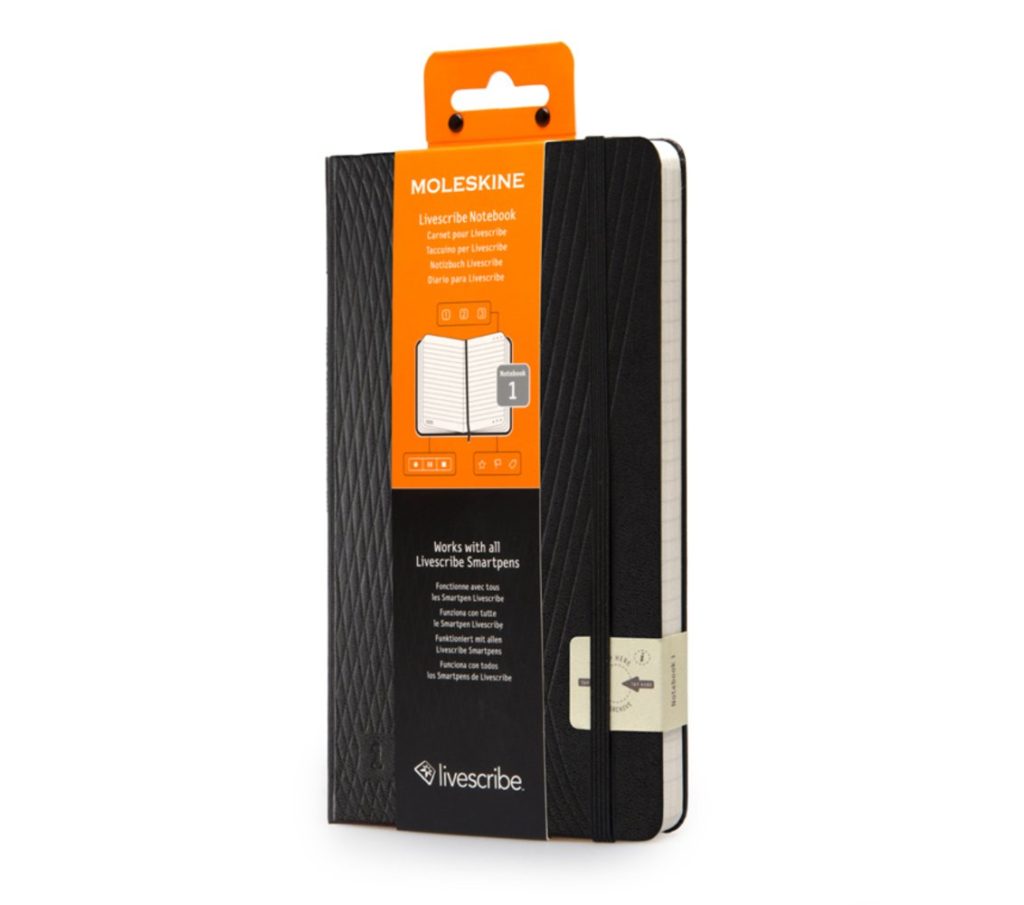
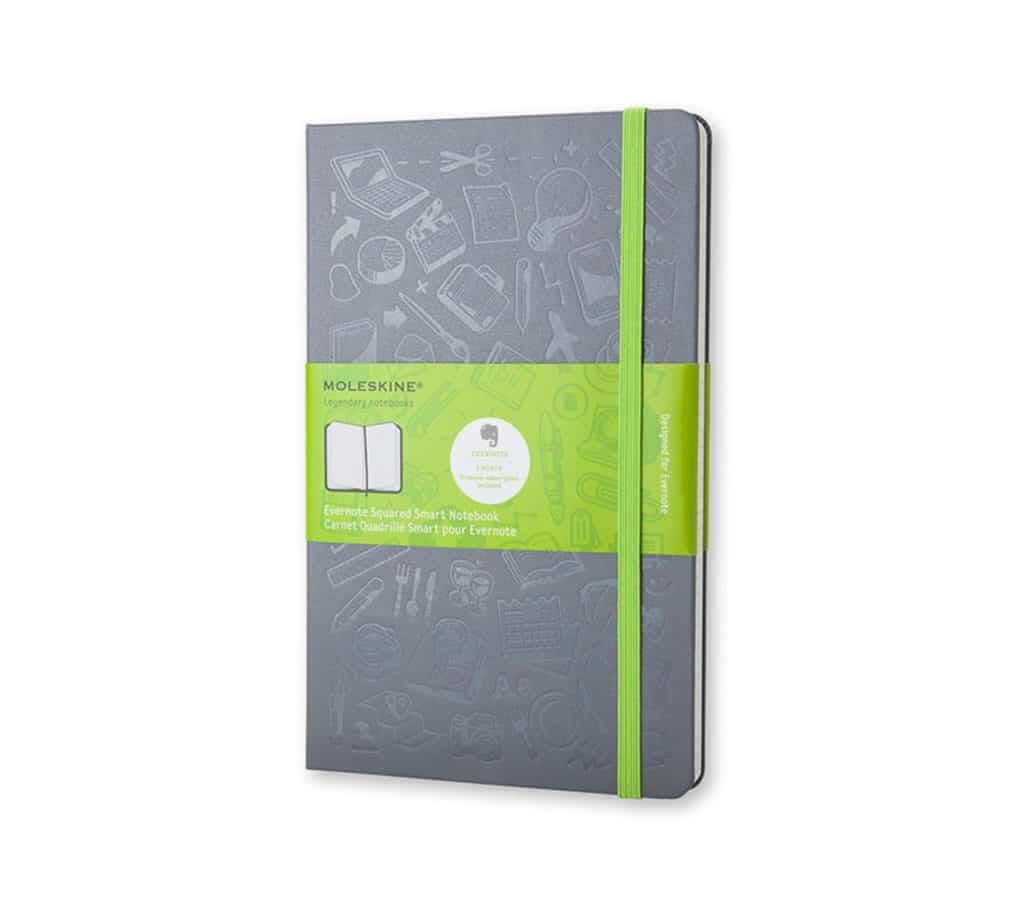
Moleskine Classic

If you’ve ever been in an office supply store, you have some idea what these very popular notebooks are. To many, Moleskine Notebooks are the Apple of notebooks, signified by the quality time and materials that go into each notebook.
With a variety of styles, including colored notebooks, smart notebooks, Moleskine offers notebooks that will satisfy just about any creative professional and can easily be a go-to choice for years to come.
Learn More($15)
Copic Multiliner Pens

In the movie, The Wolf of Wall Street, the main character asks people at a conference to “sell me this pen.” While for many, this can be seen as just a way to sell someone, to us, it shows the importance of a good pen. If you’re an illustrator in any way, you cannot go wrong with the Multiliner Pen Set from Copic. A quality pen in every respect, it will create crisp lines and hold well on paper.
Comfort can be a big issue for creatives with the tools they use, and many have stated that the Multiliner, which is available in different thicknesses, is comfortable to use and isn’t scratchy. For the price and the ability to refill the pen, the Multiliner pen is an essential everyone should have.
Learn More($7-$16)
Adobe Creative Cloud
All of the talent in the world is an amazing thing to have. When you start a career, however, having the right software so you can take your ideas and make them digital reality requires a piece of software that can help you from start to finish.
The Adobe Creative Cloud is without a doubt, the most essential piece of software you should own if you work in a creative field. With so many different platforms from Photoshop, Lightroom, and Illustrator, you have all the tools you would need. Adobe offers a subscription service broken down into individual, business and other options. If you’re serious about working in a creative field, you need this immediately.
Learn More
The Best Graphic Design Tools for Beginners
Congratulations! If you’re at this point, maybe you just made a career change or just graduated from college. Even if you had an internship with an agency during school, you may need some tools to perfect your skills and attract new clients or even a spot at your dream job. If you’re in this part of your career, here are the recommendations that we’d make to put you on the path to success:
Lenovo Yoga 730

Laptops from Lenovo are experts in combining remarkable quality with an affordable price. The 15.6-inch touch screen is perfect for any graphic designer just starting out and your project will pop on screen thanks to the 8th Gen Intel Core i5 processor as well as 8GB of RAM and an upgradable 256GB of space. The Lenovo Yoga 730 laptop may not run as smooth as some other laptops out there, but for graphic designers, the performance and price point shouldn’t be ignored.
Learn More($579)
HP Pavilion Power Gaming Desktop Computer

While it’s classified as a gaming computer, the HP Pavilion Power Gaming Desktop Computer has the tech inside its metal casing to make it a great desktop computer if you are just starting out. With an 8th generation Intel Core i5-8400 processor, as well as an Nvidia GeForce GTX 1060 CPU, tucked inside along with 3GB GDDR5 that is dedicated and 8GB of RAM will help programs load faster and make your projects look amazing. An SSD with 256GB of storage is large enough for just about any project and with a collection of ports on the front, connecting any device is easy. Pair it up with the monitor below and you’re set.
Learn More($775)
Samsung LU28E570DS/ZA 28″ UHD 4K Led-Lit Monitor
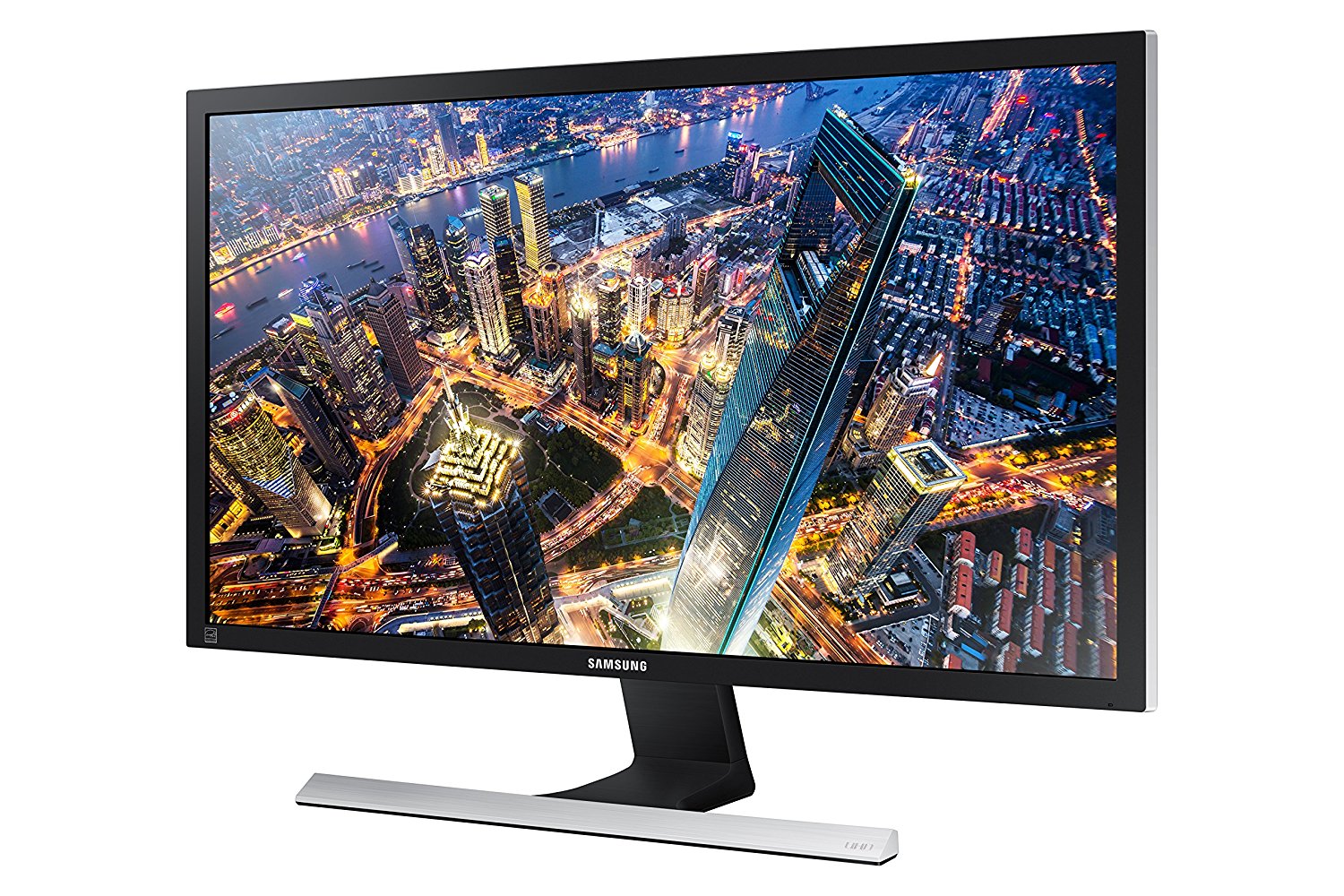
With one of the lowest response times of 1 millisecond, the LU28E570DS/ZA 28″ UHD 4K Led-Lit Monitor from Samsung is a great monitor to use when you’re first getting started. A 4K resolution and support for 8.3 billion pixels, as well as a static contrast ratio of 1,000:1, make this monitor stand out. While it does come with two HDMI ports and a DisplayPort 1.2, the monitor is missing DVI or USB 3.0 ports, which could be a deal breaker for some.
Learn More($249)
Parblo Coast10 10.1″ Digital Pen Tablet Display Drawing Monitor
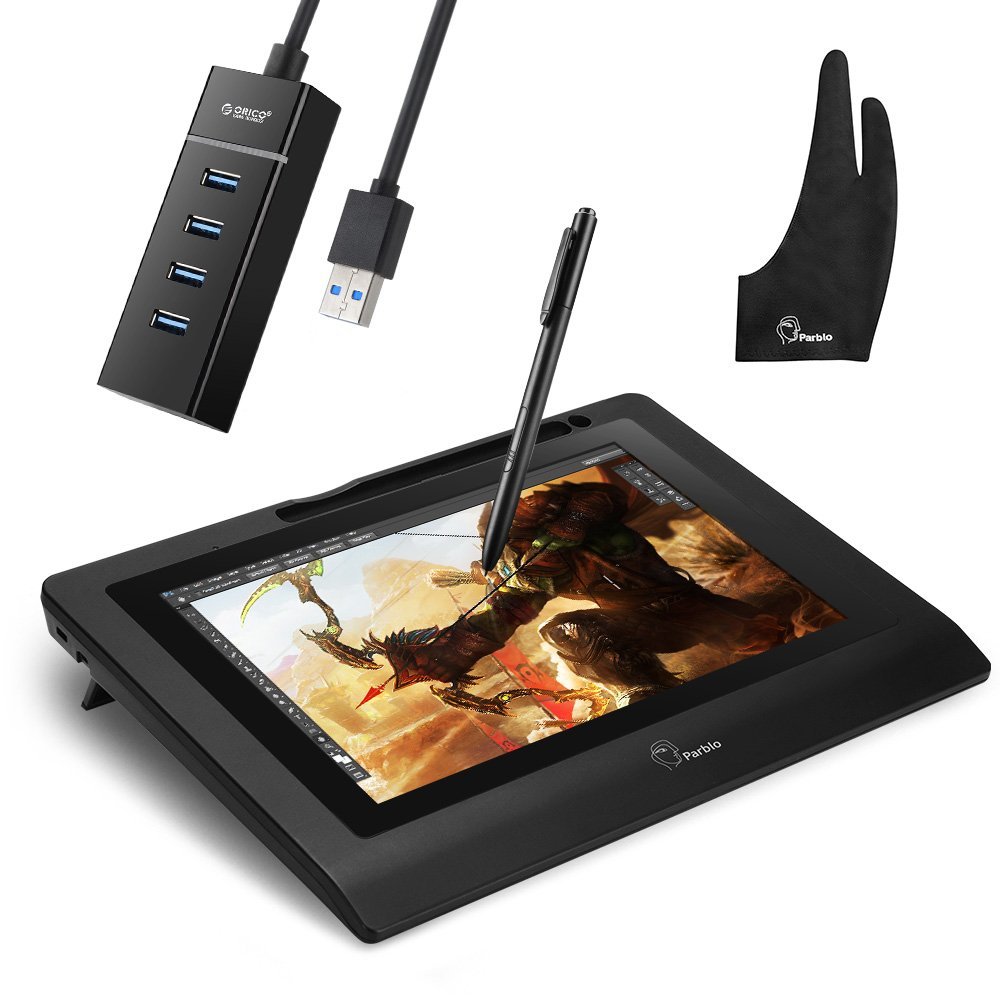
For many graphic designers and other illustrators, holding a tablet isn’t how they do their best work and laying it flat on a table just hurts their viewing angle. The Parblo Coast10 10.1″ Digital Pen Tablet Display Drawing Monitor allows you to position the tablet at an angle that gives you the best angle to complete your project. Using a Windows operating system and compatible with any between XP and Vista (and Mac), a major benefit comes with the compatibility with so many other programs it has including many of the Adobe platforms. Packaged with a multi-plugin USB cable and artist’s glove, using the tablet is as easy as taking it out of the box.
Learn More($198)
Microsoft Bluetooth Mobile Mouse 3600
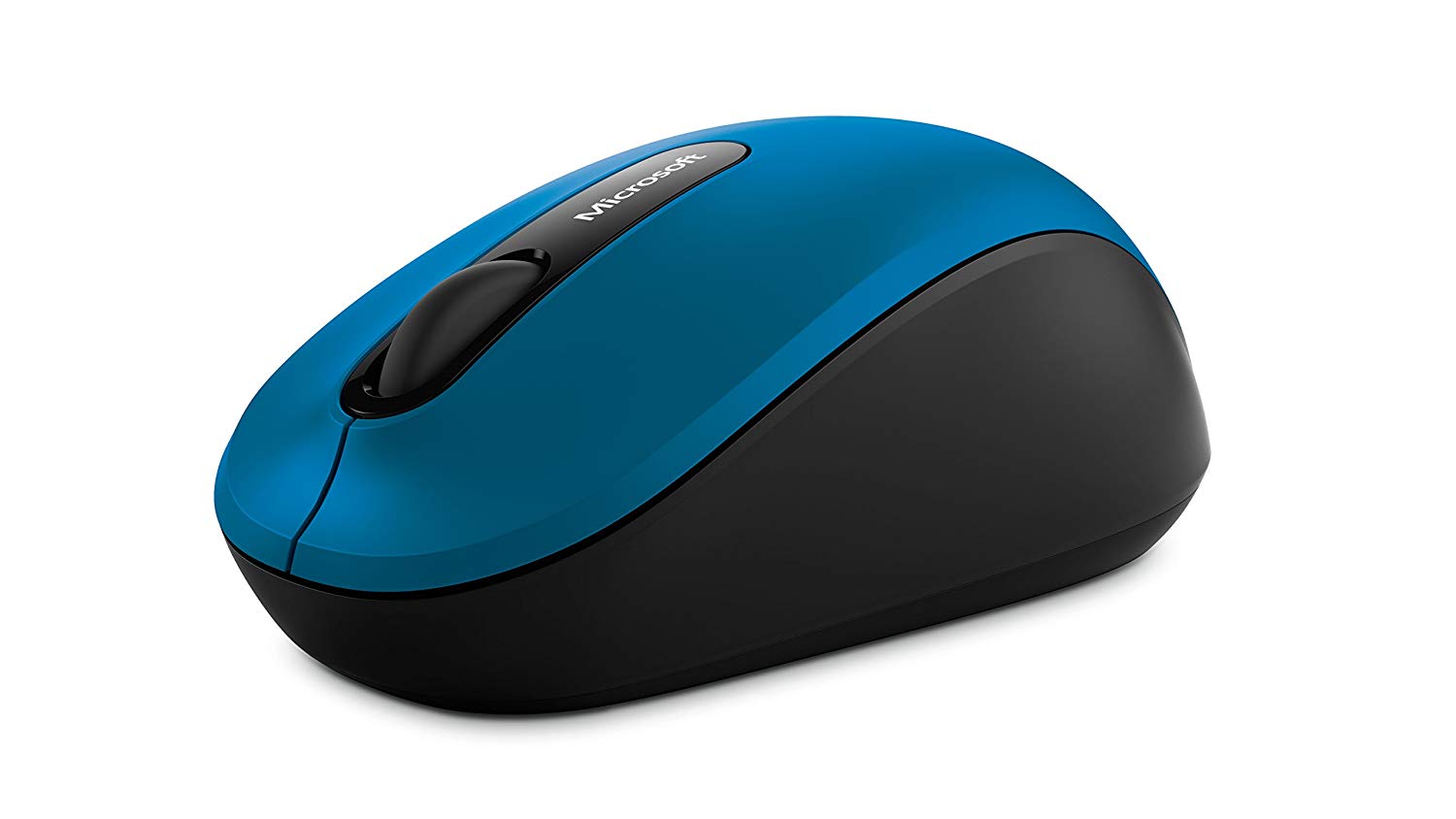
Designed to be a suitable mouse for working on the road or even at your home office, the Bluetooth Mobile Mouse 3600 from Microsoft offers a great ambidextrous design that anyone can use. It is an easy choice for a first mouse and as you progress through your career, it will become a perfect back up mouse for many years to come. For those with larger hands, the Anker Vertical Ergonomic Optical Mouse will be a better choice.
Learn More($24)
HP ENVY 5055 Wireless All-in-One Photo Printer

With built-in Bluetooth, faster print speeds as well as improved Wi-Fi connectivity, the Envy 5055 from HP is a great, inexpensive option for a graphic designer just starting out. While it does have a slower print speed that a laser printer might, the inkjet printer can provide you with rich graphics and beautiful colors to wow your prospective clients.
Learn More($59)
Nikon D3500
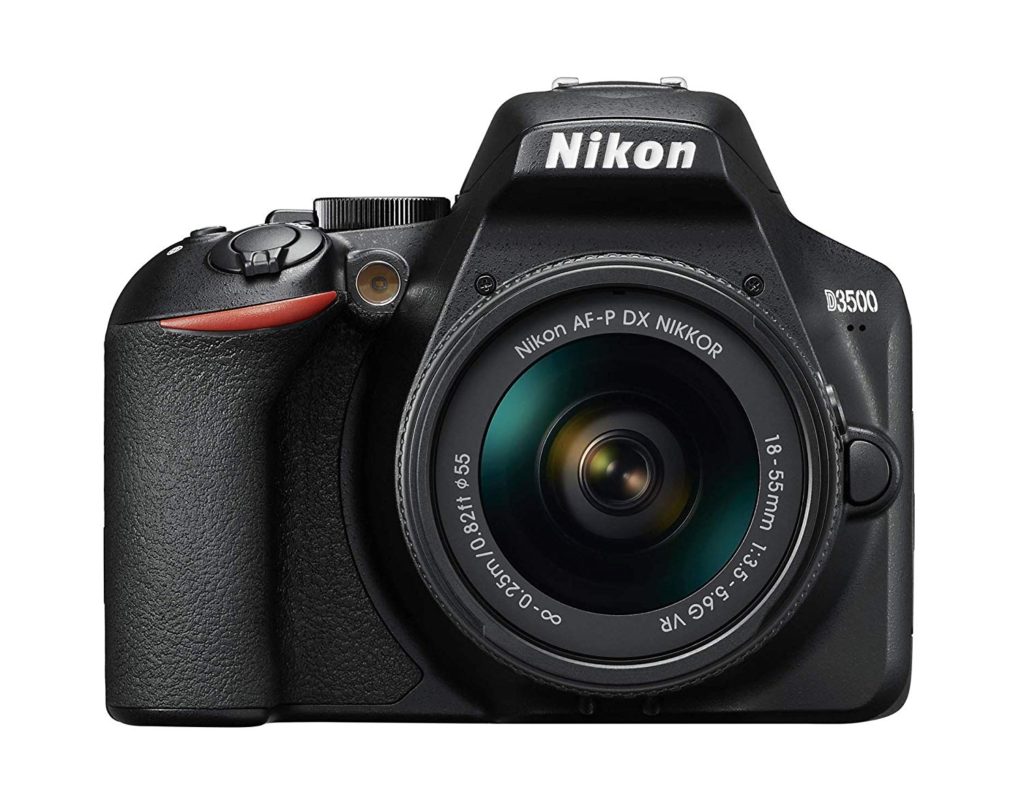
Nikon is one of the best-known camera manufacturers in the world and is trusted by amateurs and professionals alike. With the D3500, Nikon has crafted an excellent entry-level DSLR camera that isn’t built like a camera for a beginner. With the traditional DSLR controls and styling, long-lasting battery and simple ease of use, you can take large amounts of photos and videos and with the use of SnapBridge, quickly share them with family, friends or clients. With 1080P full HD video right out of the box, it is easily one of the best entry-level cameras available.
Learn More($397)
Western Digital My Passport
The best overall external hard drive for Mac or PC
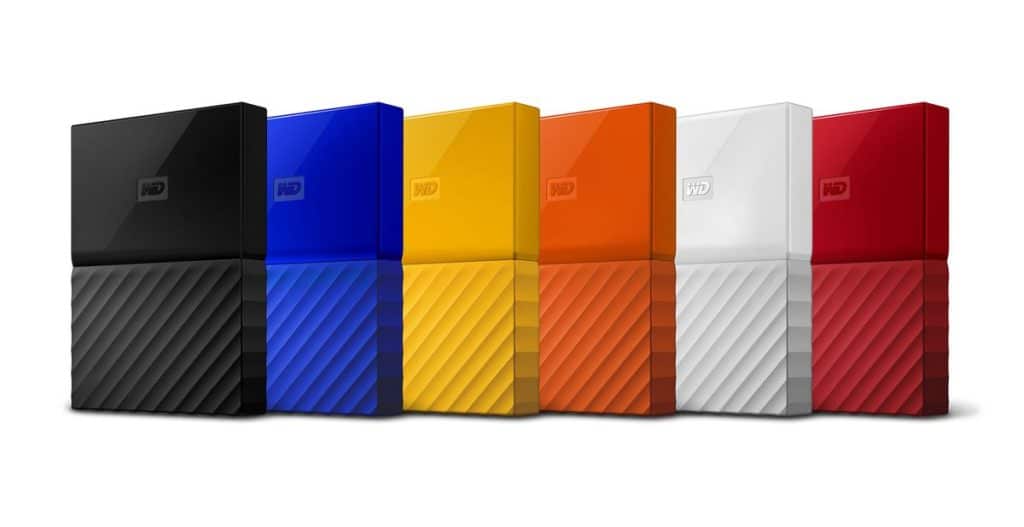
Even when you’re first starting out, you may have files for prospective clients and images and drawings that may spark inspiration down the road. Having to rely on the hard drive in your desktop or laptop computer can be a risky gamble. With the My Passport external hard drive from Western Digital, you can easily save those files for later use and with capacities from 1TB to 4TB available, having enough space will not be an issue.
With data transfer speeds that rank near the top of what’s currently available and being able to connect to a computer through the use of USB 3.0 ports, the Passport is an excellent option if you’re just starting your journey.
Learn More($99)
Office Essentials Mesh Back Swivel Chair by Amazon
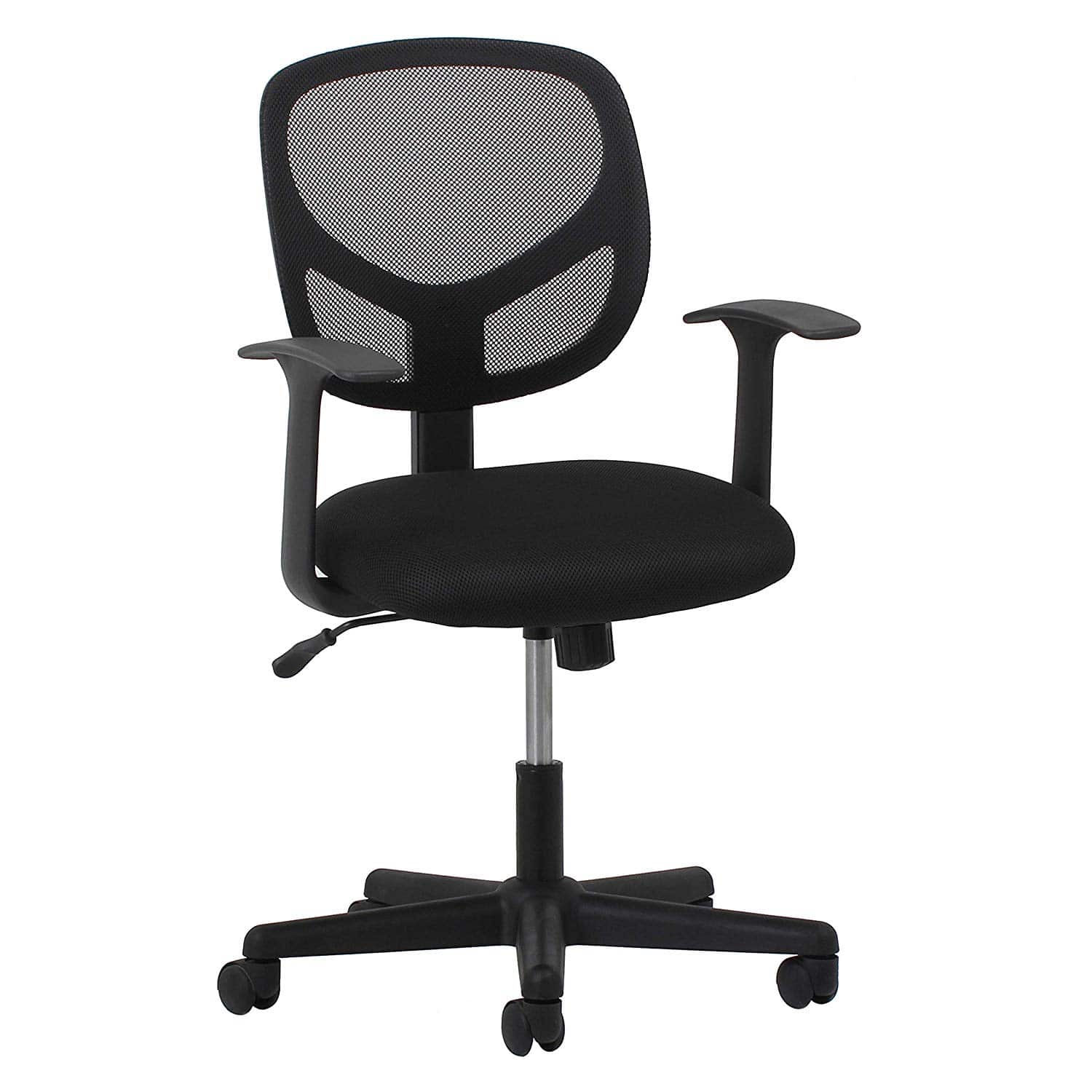
While a lot of the money that you do have when first starting out is most likely to go to the best tech within your budget range, we would be remiss if we didn’t also point out an excellent chair that could be a perfect addition to your workspace. The Office Essentials Mesh Back Swivel Chair by Amazon is an affordable option made with quality materials that will last a long time.
While not wholly designed to be sat in for long periods of time, the ergonomic design, padded seat and mesh back make it one of the most comfortable chairs you can own when you’re just starting your career.
Learn More($55)
The Best Graphic Design Tools for Mid-Career Designers
So you’ve been out on your own for a few years now, built yourself a nice reputation in the industry and have some quality repeat clients. Maybe you’ve been nominated for an award or two. But what gear will help give you that push from All-Star to Superstar? Here are the choices we’d make to take the next step forward.
Dell XPS 15

Since their inception, Dell has been a computer company known for producing reliable machines and with its entry into the graphic design space with the XPS 15, that reliability continues. Running on a Core i7 CPU, the XPS comes with 16GB of RAM, a 512GB SSD, along with an Nvidia GeForce GTX 1050 Ti Max-Q GPU to help your projects display beautifully on its 15.6 inch display. With an HDMI, two USBs, a Thunderbolt and SD Card Reader ports, connecting peripherals is simple on this elegant and high performing laptop without a huge price hit.
Learn More($1429-$1738)
HP Envy 34″ Curved All-in-One

Consumers have come to know that HP manufacturers quality products and with the Envy 34” Curved All-in-One, graphic designers can say the same with this computer/monitor combo. Housing a 7th generation core processor, a solid state drive of 256GB and a 1TB SATA hard drive provides you with a quality balance of both speed and capacity. The graphics in all of your projects are displayed with pristine quality thanks to the AMD Radeon RX 460 GPU on a stunning 34” curved display. With its minimalist design, the connectivity ports are located in the base to help keep clutter at a minimum. With ports including Thunderbolt, Base-T Network and HP’s 3-in-1 Media Card Reader connecting any of your devices has never been easier.
Learn More($1,879)
Dell UltraSharp UP3216Q
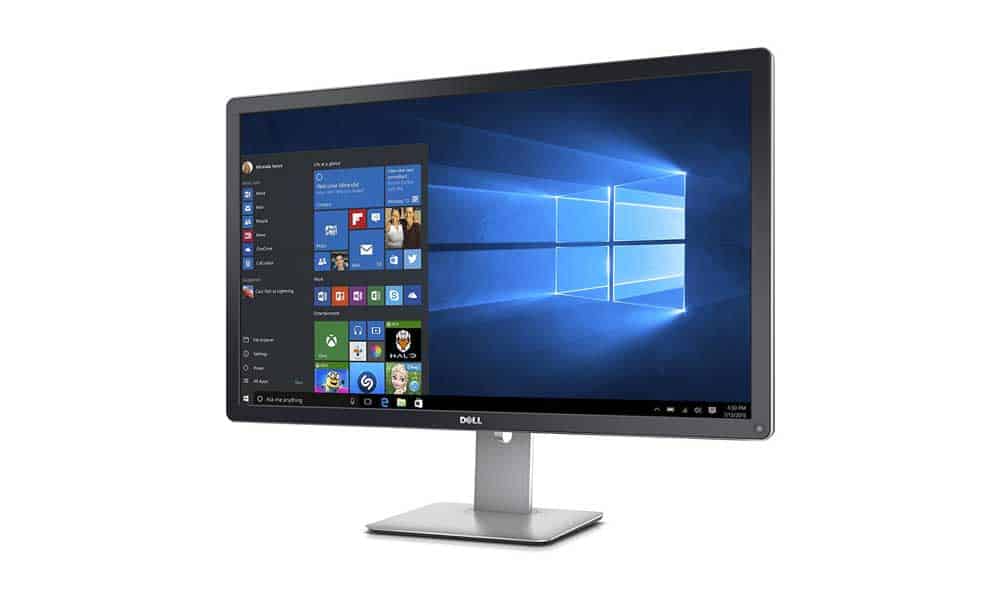
With 31.5 inches of In-Plane Switching that provides you with a great view no matter where you place it, the UltraSharp UP3216Q from Dell is one of the best 4K monitors available. A quality display image is almost guaranteed with 99% Adobe RGB coverage as well as 100% RGB, REC and 87’% of the DCI-PS color spaces allowing any image to easily stand out. Standard inputs make connecting to the monitor a breeze as well as a surprise 6 in card reader located on the left side of the monitor. The Dell UltraSharp UP3216Q is a great monitor for anyone taking the next step in their career.
Learn More($1048)
Wacom Cintiq 13HD Interactive Pen Display
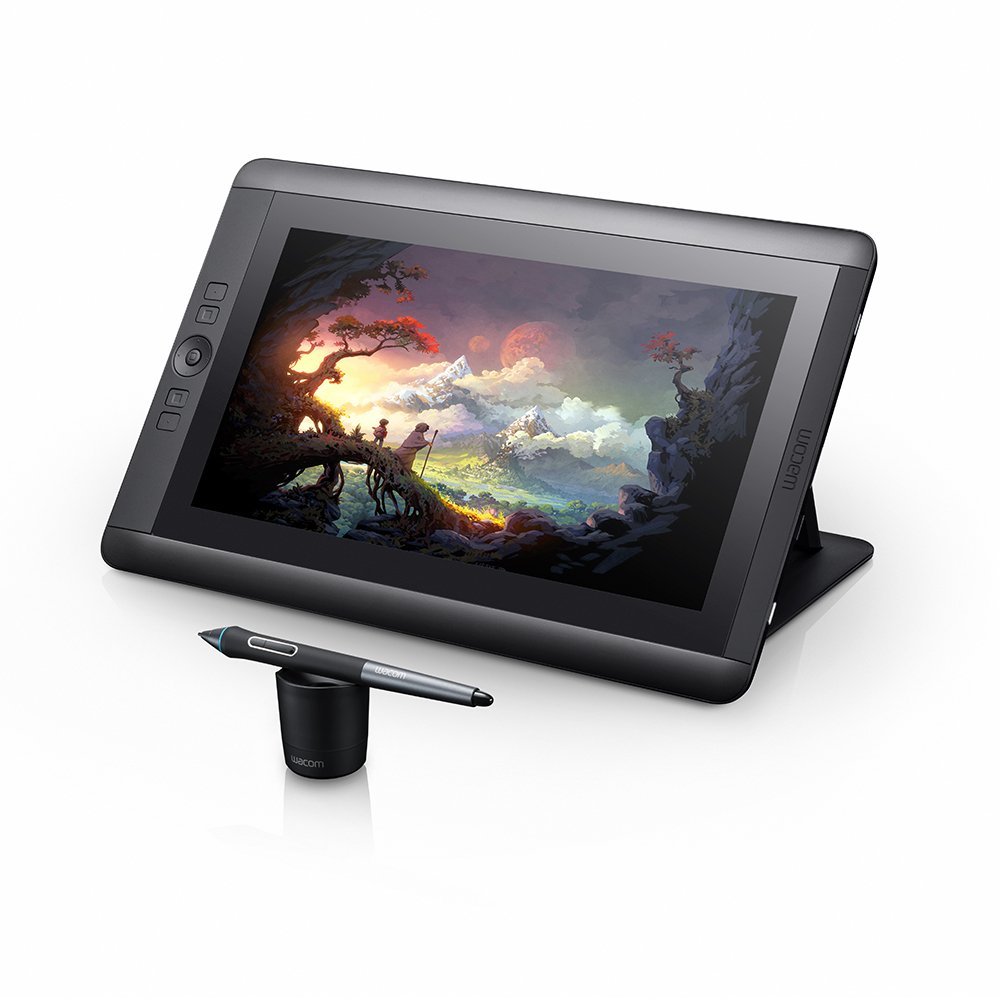
Tablets for creatives generally begin with products made by Wacom and then everything else. The Cintiq 13HD Interactive Pen Display fits that description perfectly. Built for you to customize, and available in multiple sizes. With a wide viewing angle and a high-resolution screen provide users with an amazing experience while working right on the tablet. A display stand lets you move the tablet into the perfect position for all kinds of work. An included roller ring and four express keys keep the customization options coming.
Learn More($799)
Logitech MX Ergo Wireless

Despite its retro-style look, the MX Ergo Wireless mouse from Logitech comes with fully customizable buttons and makes great use of Logitech’s Flow system, allowing you to use the mouse on two different screens. The value lies in the Ergo’s battery life. A full charge will last up to four months while charging the mouse for a minute will last all day. While using a trackball may take some getting used to, the design makes using it feel comfortable and intuitive every time.
Learn More($79)
Epson Expression Photo HD XP-15000 Wireless Color Wide-format Printer

If you’re going to be using a home printer to print out examples of your work to show clients, you want to make sure you’re using a high-quality powerhouse of a printer and you cannot go wrong with the Expression Photo HD XP-15000 Wireless Color Wide-format Printer from Epson. Featuring six individual ink tanks to create ultra-realistic prints. The Expression can print on paper as large as 13” x 19” and can use high-yield ink cartridges printing upwards of 800 pages per color which can save you money and keep projects flowing.
Learn More($299)
Panasonic Lumix GH5

Each and every day, the technology available to us can take leaps and bounds forward. In the world of camera technology, these jumps continue to blur the line between traditional camera and camcorder. The Lumix GH5 from Panasonic blurs it even further by using 4K/60p video capture which makes it an attractive piece of gear for photographers and videographers alike.
The rugged design allows for you to easily use interchangeable lenses to get the best picture and video results possible. Shooting 12 frames per second on still photos and 9 fps when using the autofocus continuously makes it very hard to find a negative point about this camera. Even though the sensor is smaller than other options out there, for such a quality camera, these are very minor complaints.
Learn More($2398)
WD My Book Duo External Hard Drive
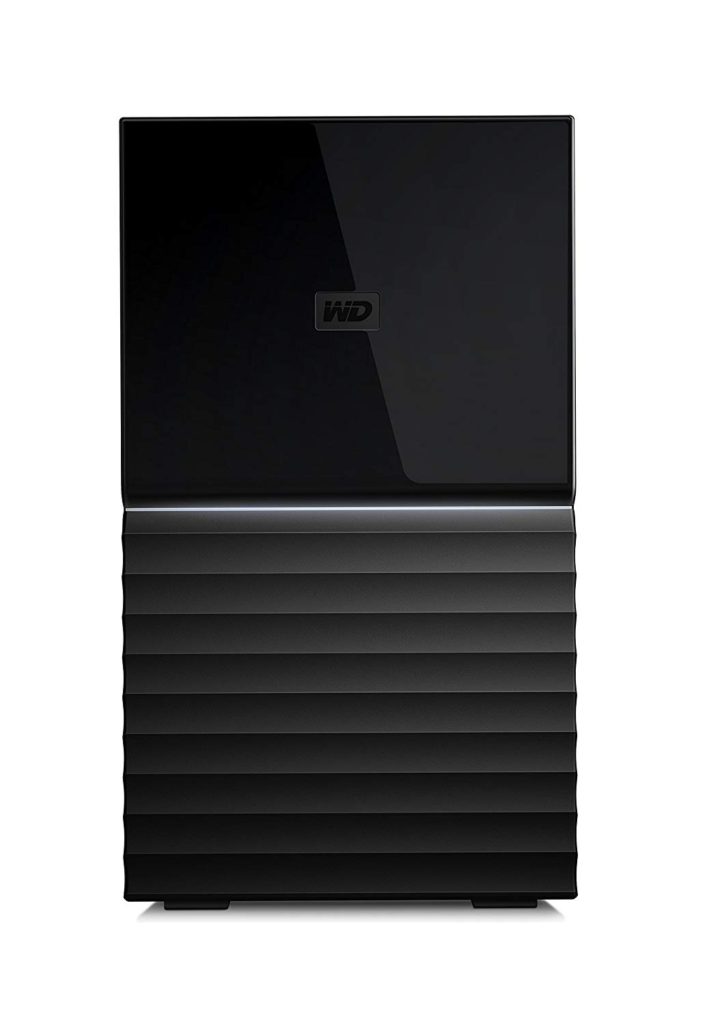
Even though you may have started to make traction with your career, many of the best options in tech can still cause a lot of sticker shock when you see the price. With a combination of affordable price and large storage capacity, the WD My Book Duo External Hard Drive is the best of both worlds.
With WD’s auto backup software included, the Duo provides a 256-bit security hardware encryption system to keep others from stealing your data. Connecting to your computer is easy with two USB ports on the rear of the device, also giving you the option of inserting flash drives to transfer data. While it is preformatted for Windows, a simple reformatting will make it easy to use with a Mac as well.
Learn More($320)
Sayl by Herman Miller

Herman Miller is to chairs what Apple is to smartphones. They are one of, if not the biggest names in office chairs combining style and comfort with unique designs. The Sayl is no exception with an unframed backing, the Sayl gives you the ability to move between positions while sitting in the chair freely but still receiving optimal support from the chair’s flexible strands. Designed to prevent slouching, it also comes with optional lumbar support and is sure to turn heads.
Learn More($510)
The Best Graphic Design Tools for Seasoned Professionals
You’ve made it. The top of the mountain. Clients can’t wait to work with you. You’re a name among names in the industry. But where do you go from here? At this point, focusing more on having the right tech to stay on top of your games is more important where you go next. Tech at this point should be helping you get better, not worse. This is what we would choose:
Microsoft Surface Book 2

While the screen on the Surface Book 2 from Microsoft may be smaller than the one on its competitor, the MacBook Pro from Apple, the Surface offers versatility that the others cannot. Running on a Core i7 processor, the screen has a resolution of 3000 x 2000 making it one of the best screens for creating graphics and sketching. The ability to disconnect from the keyboard and become a tablet that creatives can’t get enough of and would much rather use than working their fingers all day long. Available in 13.5 and 15-inch variations, making it easy to suit just about anyone.
Learn More($819-$1600+)
Apple iMac 5K Pro
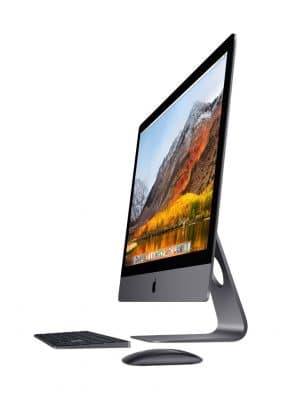
While the Apple brand name needs no introduction, the tech powerhouse that is the iMac Pro is a behemoth when it comes to comparing other computers. An all-in-one machine, the iMac Pro houses a 2.3GHz 18-core Xeon W processor, 128GB of RAM, a 4TB Solid State Drive, plus a Radeon Pro Vega 64 GPU. On top of all of that, the 27-inch LED-backlight Retina 5k display will provide you with the incredibly bright and vibrant colors on every project you create. A collection of inputs, including 4 Thunderbolt 3/USB-C ports rest on the back of the computer. The only negative with this machine is the price, which may keep even some of the most successful graphic designers from buying it.
Learn More($4,920+)
Eizo ColorEdge G2420-BK
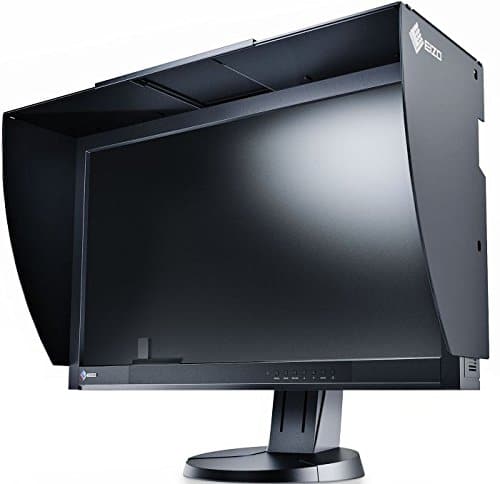
When you reach this stage in your career, the tech you use sometimes has to be the very best and that’s exactly why the ColorEdge G2420-BK from Eizo is a perfect choice. With an in-built self-calibration sensor, a contrast ratio of 1,000:1, a response time of six milliseconds, as well as a brightness rating of 300 cd/m2, it is easily one of the best out there. 100% of the Rec. 709, EBU, and SMPTE-C standards are met with this monitor and 99% of the Adobe RGB color space is covered. When you need the best monitor available, the ColorEdge G2420-BK from Ezio fits the bill.
Learn More($2,426)
Wacom DTH1620K0 Cintiq Pro 16 Graphic Tablet
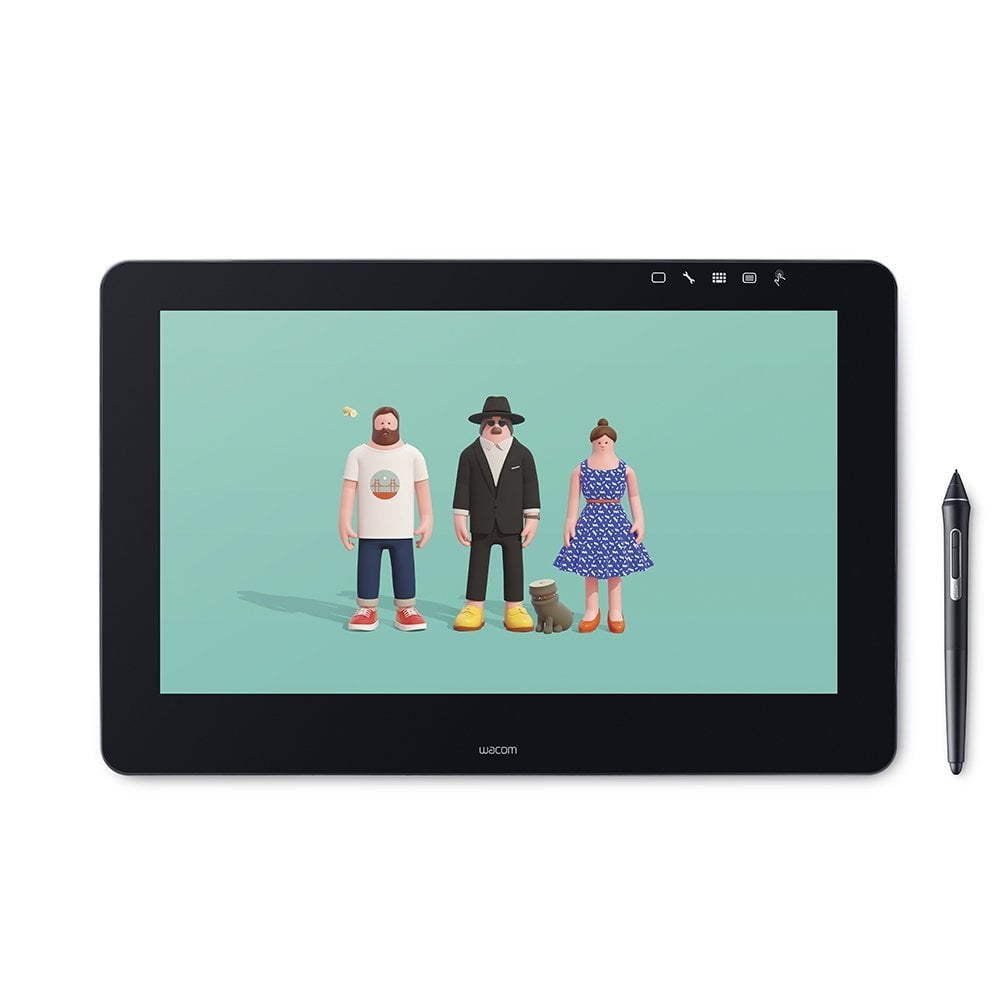
When you’re in the market for a tablet, those who are looking for options and the ability to customize the layout of their tablet should look no further than the Wacom DTH1620AK0 Cintiq Pro 16″ Graphic Tablet with Link Plus. With an amazing, high-resolution screen which can get even better when you connect the tablet to a 4K monitor and see your graphics pop off the screen. The included pen is a lightweight and versatile peripheral with higher levels of sensitivity to pressure which can help prevent lag and provide pinpoint accuracy. Compatible with Mac and Windows, one-touch shortcuts, radial menus, and express keys help make getting work done smooth and effortless.
Learn More($1499)
Logitech MX Master 2s
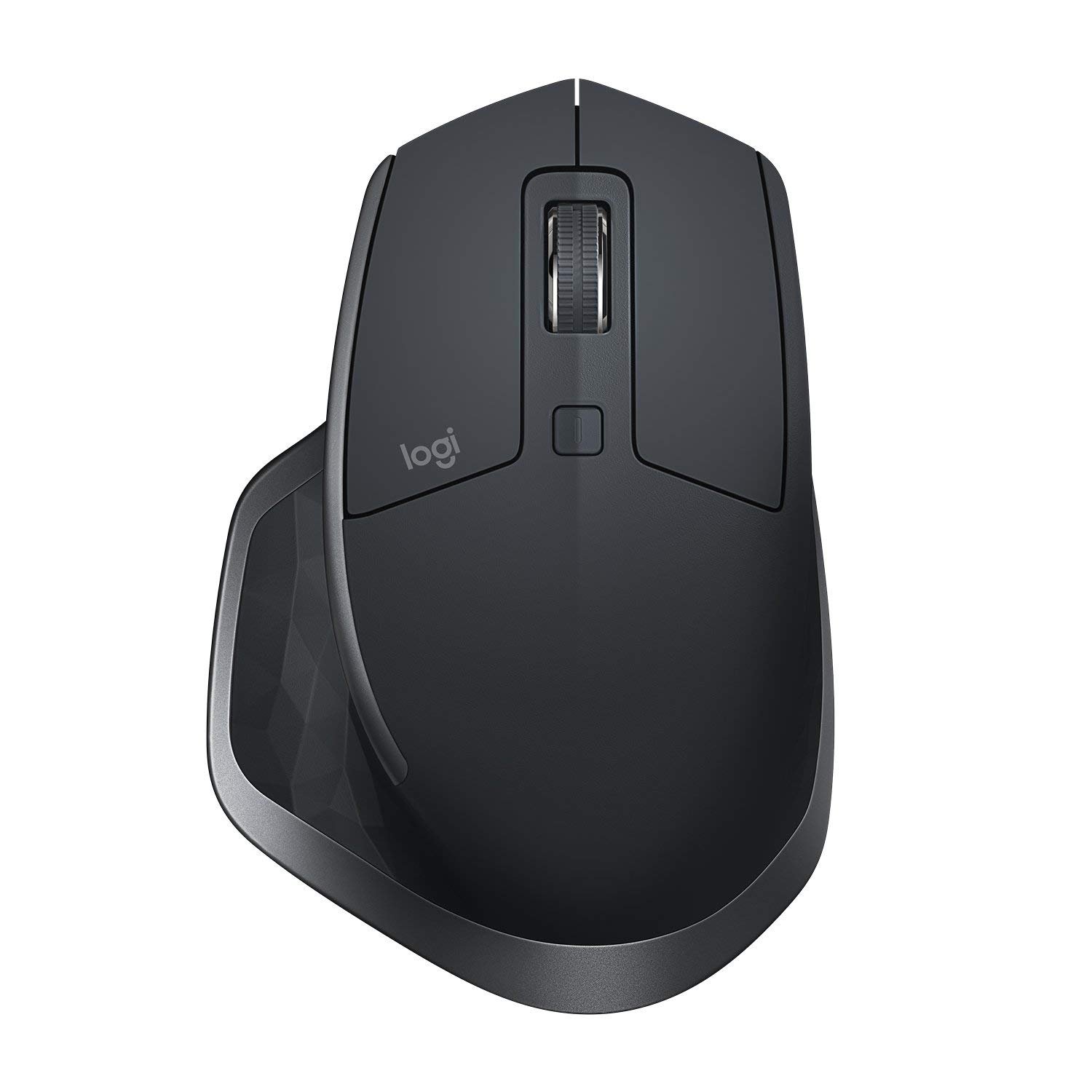
The very mouse used by Jacob Cass himself, reading the specs on the MX Master 2s from Logitech, it isn’t hard to see why. A 4,000 dpi Darkfield sensor allows the mouse to be used on all surfaces. An auto-wake feature provides you with a charge indicator from three green LED lights on the left side of the mouse and can last up to 70 days on a full charge.
The mouse is easily programmed and buttons on the side allow you to switch windows without having to use a keyboard. The ergonomic design makes the MX Master 2s easy to use without causing a lot of strain.
Learn More($79)
Canon PIXMA Pro-100 Wireless Color Professional Inkjet Printer
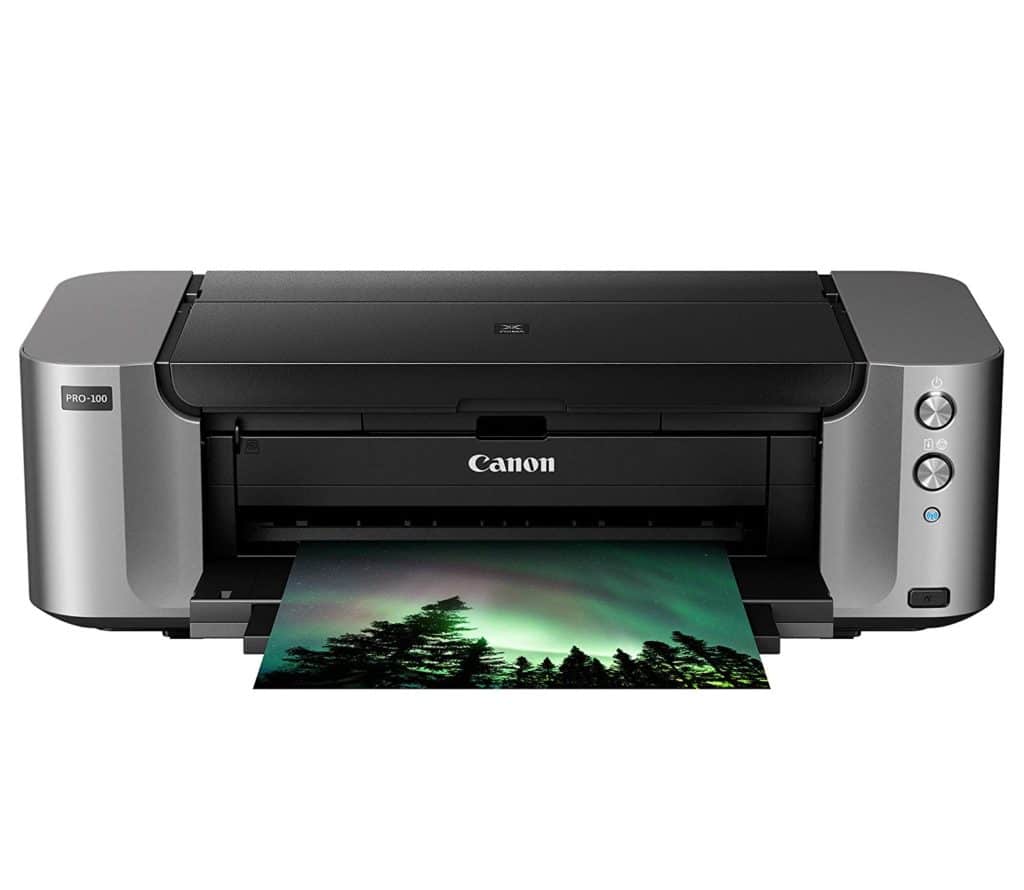
For those looking for a fantastic large format professional level photo printer, the Canon PIXMA Pro-100 Wireless is for you. This professional Wireless Photo Printer has 8 dye based color inks for colorful and vivid prints, 3 of which are dedicated grayscale inks for beautiful black & white prints. Of course, this premium quality comes with a cost. But that’s what you get, with the best. You can print at 4800 x 2400 DPI for incredible detail and up to 13″ x 19″ in size.
($331)
Canon EOS 5D Mark IV
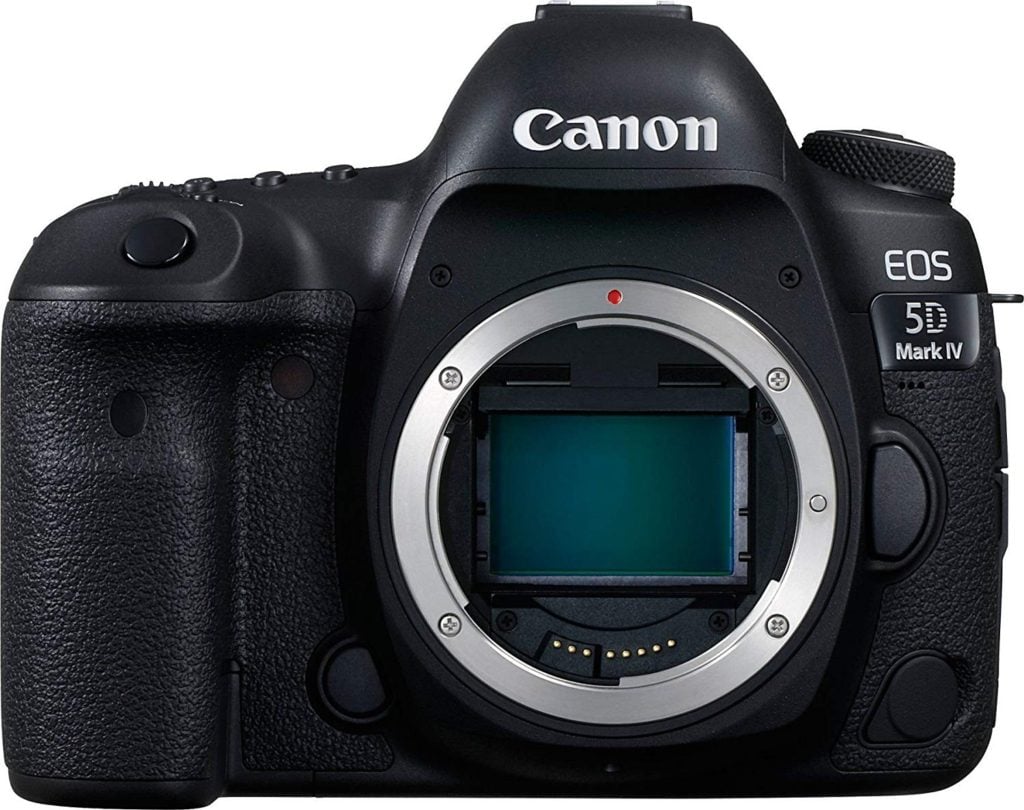
If you’re at a point in your career where only the best tech will help you provide your clients with your best possible work, you should not look any further than the EOS 5D Mark IV from Canon. It is easily the best DSLR camera for professionals.
With the ability to shoot 30.4 megapixel still photos and use Dual Pixel autofocus while shooting video, everything you shoot, even when using easily interchangeable lenses will look amazing. While the only real issues with the camera tend to be no tilt screen and HDMI output is 1080p, otherwise, this is the best camera your money can buy.
Learn More($3549)
G-Technology G-RAID External HardDrive with Thunderbolt 3
The largest capacity & fastest external hard drive for Mac
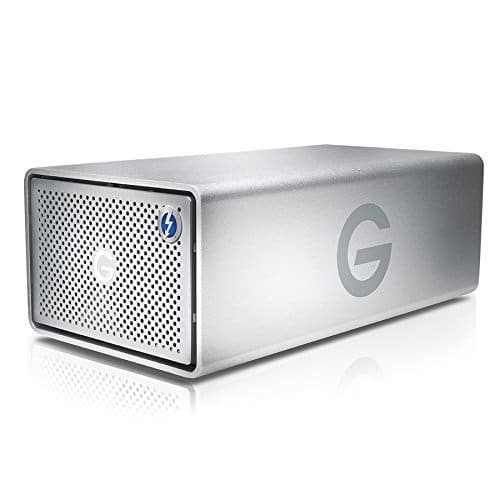
With our selection of the Apple iMac, choosing the best external hard drive to match was much easier than you would think. With a housing reminiscent of the iMac, the G-Technology G-RAID with Thunderbolt 3 offers data transfer rates up to 440MB/sec and with the HDMI 2.2 port on the back, you can use the drive to send a video signal to an external display.
The G-RAID isn’t only for Mac owners as a USB-C port allows for connection to a PC as well. The storage capacity ranges from a moderate 8GB all the way to 20GB giving you more than enough storage space.
Learn More($529)
Aeron Chair by Herman Miller
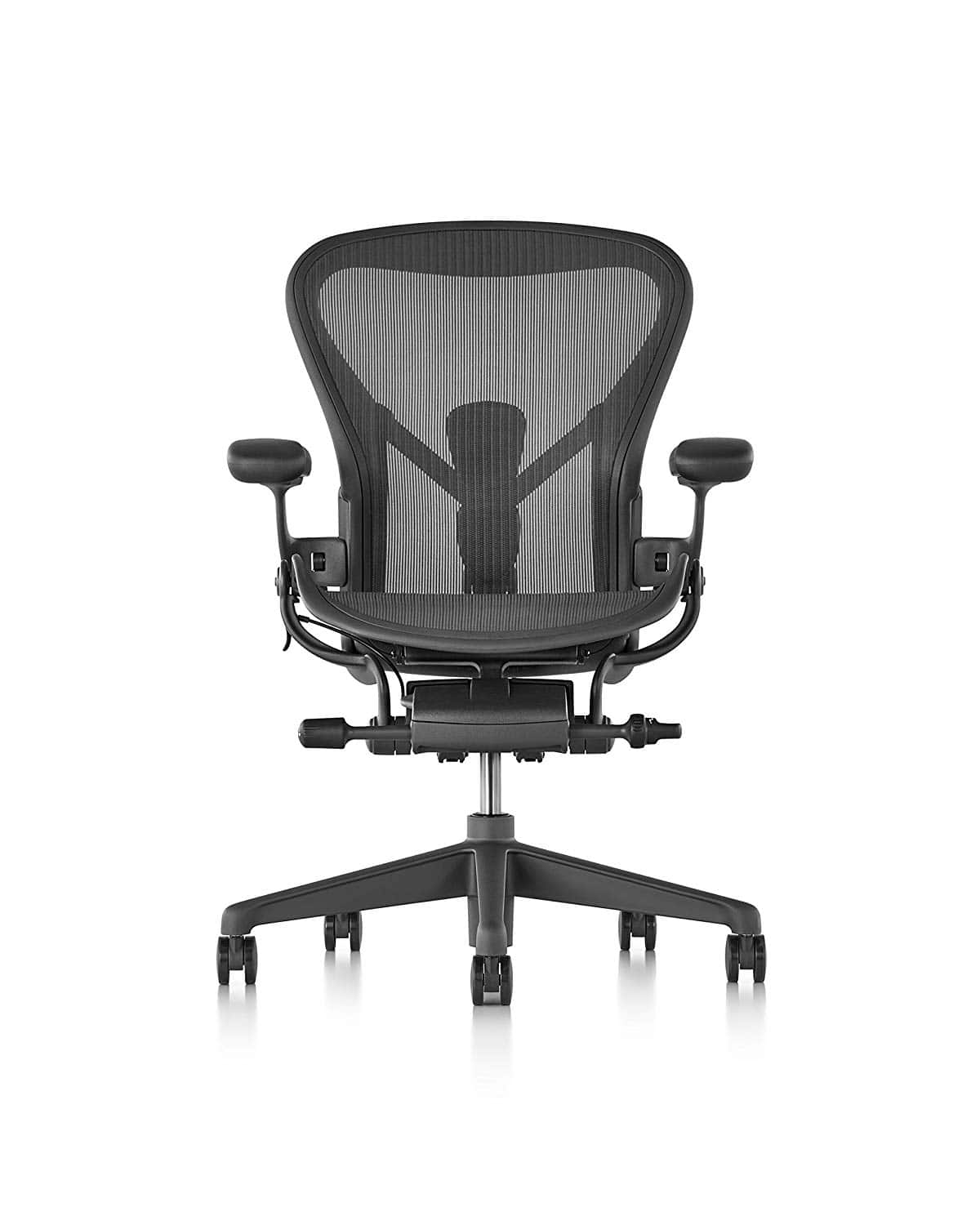
For the very best option in chairs once you reach this point in your career was an easy choice for us. The Aeron by Herman Miller is the same chair that Jacob uses every day, and has done for more than 10 years. Three different sizes make fitting into the chair much easier and provide more of a custom fit than ones you might find at an office supply store.
With an aesthetically pleasing design that is not only functional but also ergonomically supportive, despite its high price tag, you will want a room full of these chairs.
Learn More($1275)
Extra Gear worth Considering
Even when we go through our notebooks and to-buy lists, every once in a while, a product blows us away so much that it has to be part of our lives. These are the products that we felt we worth their own spot on our list. They may be honorable mentions, but each one can be an MVP for your career.
- Pantone Swatch Book ($214)
- X-Rite ColorMunki Smile Monitor Calibrator ($97)
- Samsung Galaxy S8 Phone+ or iPhone ($379)
- VIZ-PRO Magnetic Dry Erase Board (29)
- Bose SoundSport Free ($199)
- FlexiSpot Standing Desk ($280)
Pantone Swatch Book
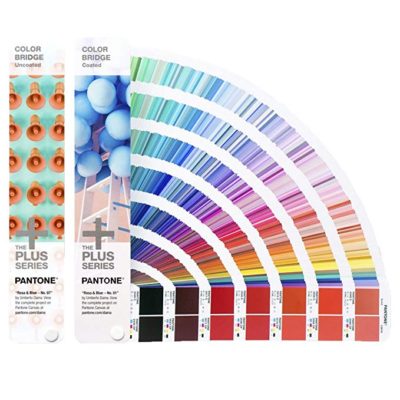
Pantone is one of the biggest names in colors and their Pantone Matching System is the without a doubt, the most widely used spot-color printing system used. Pantone offers a wide array of different books, color fans, chips and other guides that can help you not only choose the best color for your project but also help you ensure that the color you’re using pops off the page, screen or whatever you’re using it on.
Learn More($214)
X-Rite ColorMunki Smile

While it may not be the most expensive monitor calibration option out there, it makes our list for the ease of use that it has right out of the box. In three simple steps, you can have a monitor perfectly calibrated to your needs. Making it even easier, the Smile plugs directly into your computer’s USB port.
The ColorMunki Smile provides you with before and after results that many other calibrators already do but this is where the affordable price makes it stand out not breaking your budget and offering so much substance.
Learn More($97)
Samsung Galaxy S8+

It seems like every year, the race for the best phone available comes down to two manufacturers, Apple and Samsung. While Samsung has come out with a newer version and teased us with the Fold, the Galaxy S8+ has the features that a graphic designer could want from a first major smartphone purchase.
With an infinity display with a resolution of 2960 by 1440 pixels and a rear camera with a 12-megapixel sensor while the front camera boasts a not-too-shabby 8 megapixels. With no home button, the Galaxy S8+ is all screen and offers you three different ways to unlock it providing you with extra security if you happen to forget it somewhere.
Its waterproof case is, in our opinion, the best feature as many of us are way too clumsy for our own good.
Learn More($379)
VIZ-PRO Magnetic Dry Erase Board
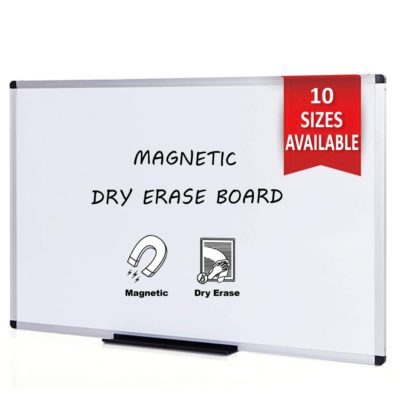
The right whiteboard should feel like an extension of your thoughts. You should be able to jot or sketch ideas with ease or fear of them fading off or being hard to clean once you’re done. That’s why we like the Magnetic Dry Erase Board from VIZ-PRO. The smooth surface makes writing on it super easy and comes with a sturdy frame which is helpful if you want to move it around in your office.
With a hanging kit that gives you the option to place it horizontally or vertically, the board also comes with a detachable marker tray to help keep your markers in one place and not lost all over the room.
Learn More($29)
Bose SoundSport Free

The best headphones can remove you from your surroundings and immerse you in the music or anything else you choose to listen to. With the Bose SoundSport Free, its innovative design not only provides that escape but also amazing connectivity.
The minimalist design makes them easy to use and carry around when not in use. Great sound quality can make you feel like you’re right there listening to your favorite band but for some, can provide a loose fit which is a minimal complaint for such a high-quality pair of earphones.
Learn More($199)
Ergonomic Desk: FlexiSpot Standing Desk
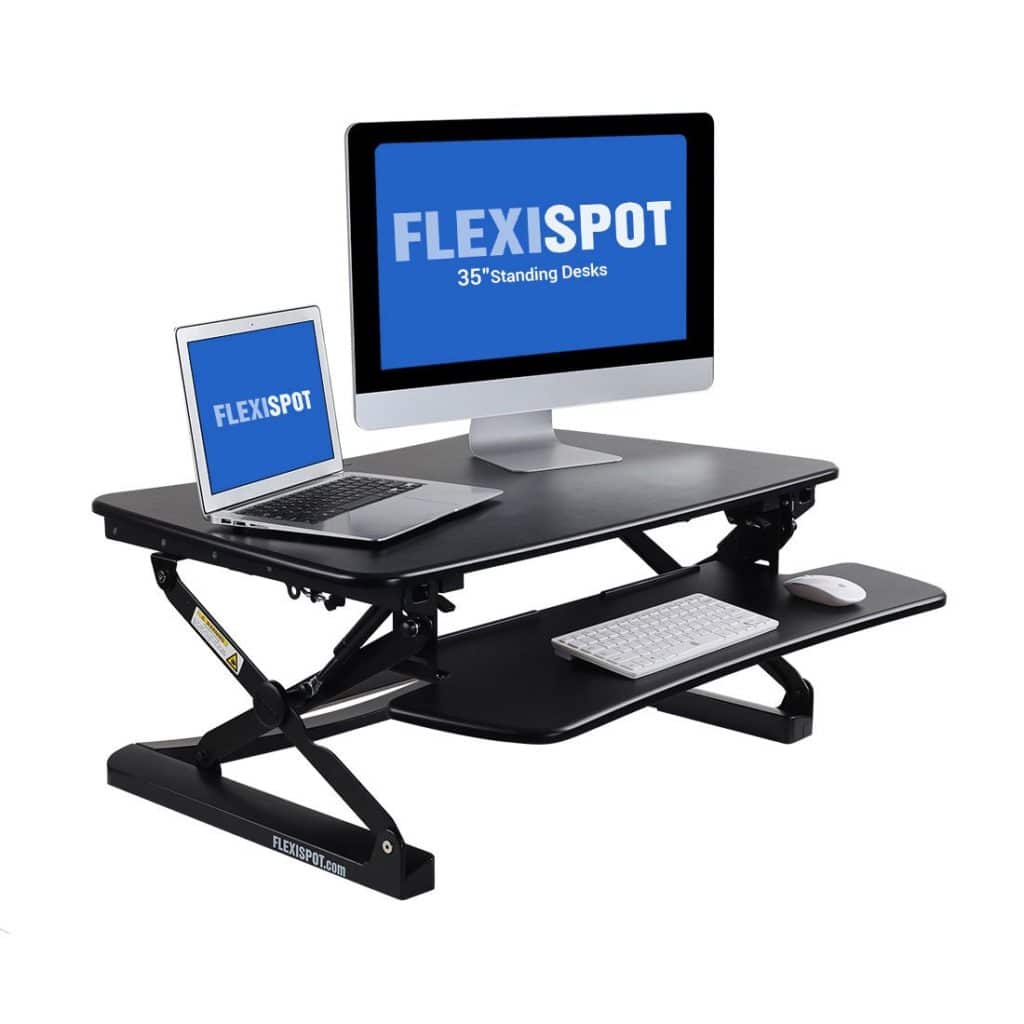
FlexiSpot’s desktop workstation provides an easy way to transition between sitting and standing throughout the workday. This particular standing desk offers a deep work surface, a wide keyboard and instant tablet integration. These quality workstations offer smooth up/down motion, twelve height adjustment settings and ergonomic monitor mount compatibility.
Learn More
Choosing the Best Gear for You
The right gear for where you are in your career can depend on many different things. It can be the price or anything else entirely. As always, you want to use the gear that you feel will help you provide quality work each and every time.
Is there a piece of gear you recommend? Something not on our list that should be? Let us know in the comments below!
Related Posts:
- 17 Essential Tools for Designers
- Best laptops for designers
- Best computers for designers
- Best printers for designers
- Best monitors for designers
- Best tablets for designers
- Best mouse for designers
- Best earphones for music-lovers
- Best cameras for designers
- Best microphones for designers
- Best office chairs for designers
- Best external hard drives for designers
- Best monitor calibrators for designers
- Best pens for creatives
- Best notebooks for creatives
- Best smart phones for creatives