Sunday, 14 April 2019

10 Best Microphones for Podcasting in 2019

According to information released by Apple at the WWDC in June 2018, there are more than 550,000 podcasts out there for people to listen to and it continues to grow.

The growth of podcasts has given anybody a medium to tell their stories, build a community and connect with other people with similar interests in ways that traditional radio never could.

If you have an interest in starting a podcast or even a YouTube channel, you are obviously going to need some equipment to get started. The first major piece of hardware is going to be a microphone, without one of these, your podcast is going nowhere fast.

To help get you started, we wanted to look at some of the podcast microphones available today and highlight the ones that we thought offered the best value and the best quality for the price. First, though, we’re going to start with what you should consider first before buying anything.

If you’re ready, hit that record button and let’s get started.

Related Posts:

What to Consider Before Buying a Podcast Microphone

Directional Capability

The directional capability of a microphone explains how the microphone can pick up sounds from any direction. In other words, it means that they can pick up any unwanted sounds that you might not want to show up on your podcast. Now while there are some that can pick up sounds from any direction, there are others that will only pick up sounds from certain directions. Let’s look at the differences.

  • Omni-directional -The Omni part of omnidirectional refers to the fact that these types of microphones can pick up sound from virtually any direction and can easily pick up unwanted noises. These types of microphones are best for reporting or broadcasting and not for a podcast.
  • Bi-directional– Bi-directional podcast mics are those that can pick up sounds from different sides. These types of microphones can be very popular with podcasts, especially those doing interviews but not especially popular with those doing amateur music recording. These types of microphones can cost hundreds of dollars but remain one of the most expensive microphones out there today.
  • Cardioids – Cardioid microphones are heart-shaped and only pick up sounds from the front direction and can also capture some sounds from the sides. These types of podcast microphones continue to be one of the most popular types for recording music. This type of podcast microphone is a Condenser-USB type of podcast mic.
  • Shotgun – A unique microphone because these types of mics feature a cardioid polar pattern that is highly directional and can yield great attenuation at the sides of the mic while maximizing the sounds that are captured at the front. Many videographers will use these types of microphones and mount them on to a DSLR. A shotgun mic comes with the best ratio for signal-to-noise as well as producing the most accurate sound that is captured by the front of the mic.

Microphone impedance

Referring to the receptiveness ability of the microphone, especially when it comes to a sound signal or AC current. This is measured in Ohms and a podcast microphone with an impedance rating of 600 Ohms or lower is what you want to look for. These will have better audio retaining capabilities. You want to make sure you pay attention to this rating because a higher rating could indicate that the other components in the microphone may be of lesser quality.

Frequency response

Many manufacturers of podcast mics will clearly label on the packaging the frequency response of their products. The frequency response Is the range of frequencies at which the mic can detect and pick up audio sounds. Knowing what frequency response pales in comparison to knowing the specific frequencies at which your mic will capture sounds. Because of this, when you buy a microphone, consider what you are recording. You should choose a mic with a mid or high-frequency response if you are recording vocals and guitars but choose a low-frequency option if you are recording for bass.

Durability

With just about any product that you purchase regardless if it’s for your business or your home, you want the product to be durable and last for a good amount of time. Condenser-USB mics tend to be complexly designed and any shocks or drops might damage the mic. If you’re prone to dropping or abusing mics, you may want to choose a Dynamic podcast microphone as they tend to be more durable.

Price

With podcast microphones, dynamic mics provide great value and have sturdy construction and can last for several years. The only downside is that once they have been damaged, it can be hard to get replacement parts. Conversely, USB-Condenser microphones can be fragile and get damaged easily, but some shops may carry parts for them, keeping you from having to replace it.

Types of Podcast Microphone

When you go shopping for a podcast mic, there can be a couple of options for you to choose from and unless you know what each is and how to use them, it can get confusing. We wanted to highlight theses quickly to give you the information you need.

USB – A USB microphone works no differently than any other USB-enabled device that you plug into your computer or laptop. Once you take it out of the box and plug it in, with a recording software such as Audition or Audacity, you can get started right away.

XLR – These types of microphones use an XLR cable to plug into an audio interface, which is a hub that allows you to plug XLR cables into it and then the interface hooks up to your computer via USB. For someone who might just be starting out, you may want to keep things more simple with a USB mic. However, those looking for superior sound quality may want to invest in this type.

Best Podcast Mics for Starting a Podcast or YouTube Channel in 2019

The best podcast microphone is a combination of value, performance, and ease of use.

For our list of the Best Podcast Mics for Starting a Podcast in 2019, we wanted to shine a spotlight on those that had a combination of all three that you can use to start your podcast right away. There is a microphone for any budget, ranging from $270 to under $50!


PR-40 Dynamic Studio Recording Microphone by Heil
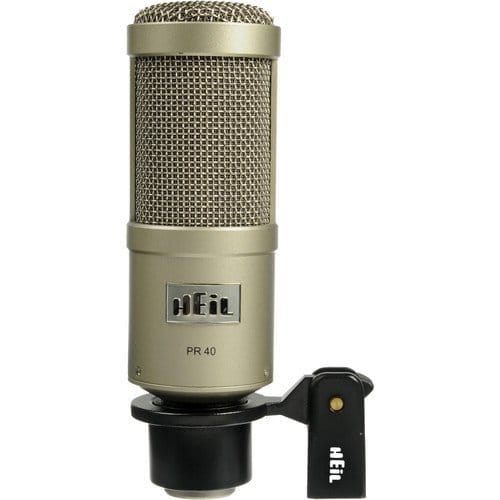
PR-40 Dynamic Studio Recording Microphone by Heil

If you were to ask many of the more popular podcasters out there, many of them would tout the PR-40 by Heil as their go-to podcast recording microphone. Many of these people hype up the sound quality that this mic can deliver, and while the quality is good, it seems that popularity has overhyped this mic. A dynamic microphone, it is a great fit if you are recording in a non-professional environment and is certainly worth a try but if you’re just starting out, can be expensive. If you can afford it, give it a go and decide if it’s right for you.

Learn More

$270


NT1-A Condenser Microphone by Rode
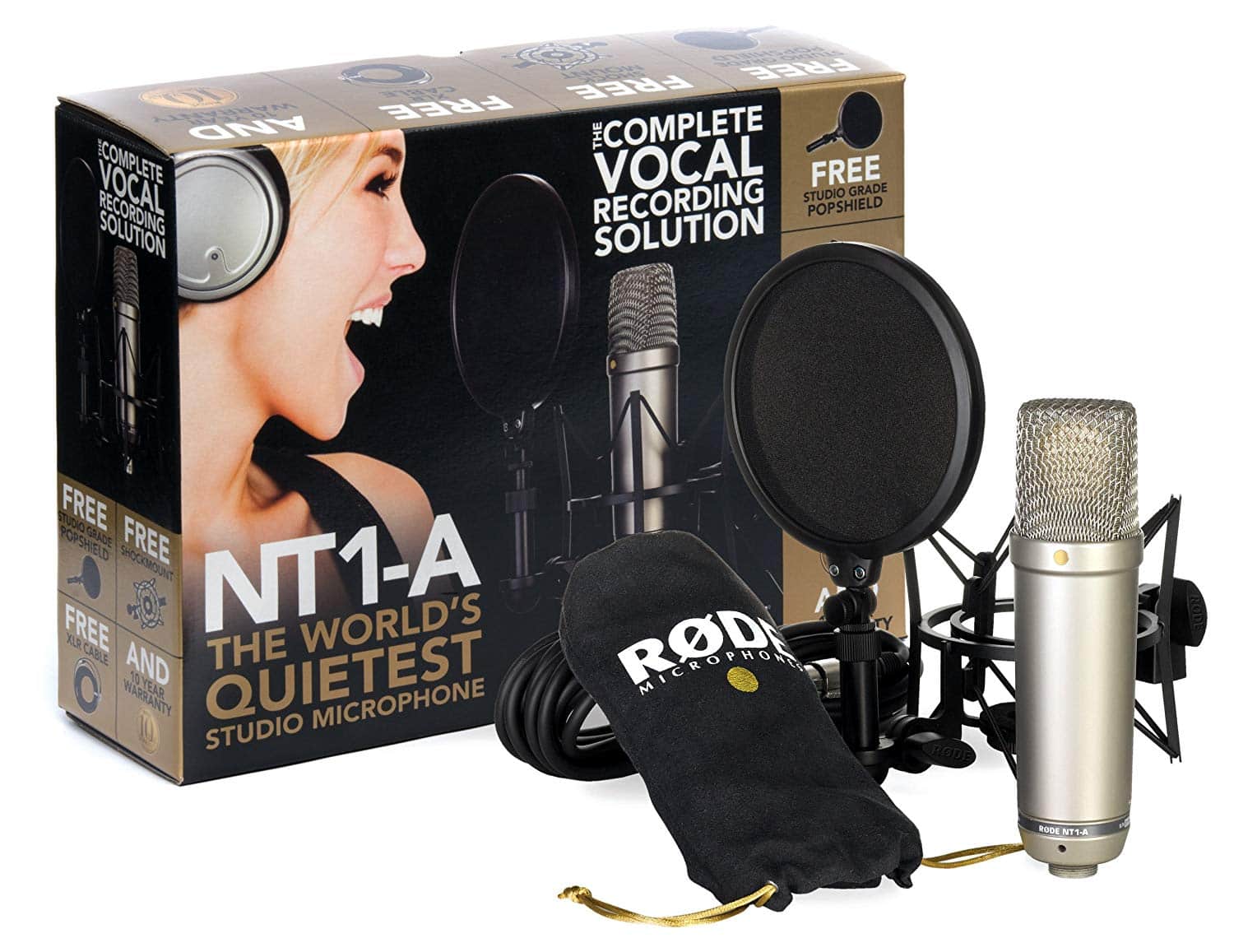
Rode NT1-A

An XLR microphone, the NT1-A from Rode has super-low noise and rich sound.  Featuring a large 1” capsule with a gold-plated diaphragm, wide dynamic range, and cardioid polar pattern, the quality shines through. When compared to some of the other professional level podcast mics out there, the reasonably-priced NT1-A is a good choice for those who may have been running a podcast as an amateur but are now looking to go pro. With this mic and a mixer/interface to plug it into, you could be sounding like a pro in no time.

Learn More

$220


PROcaster Broadcast Dynamic Vocal Microphone by Rode
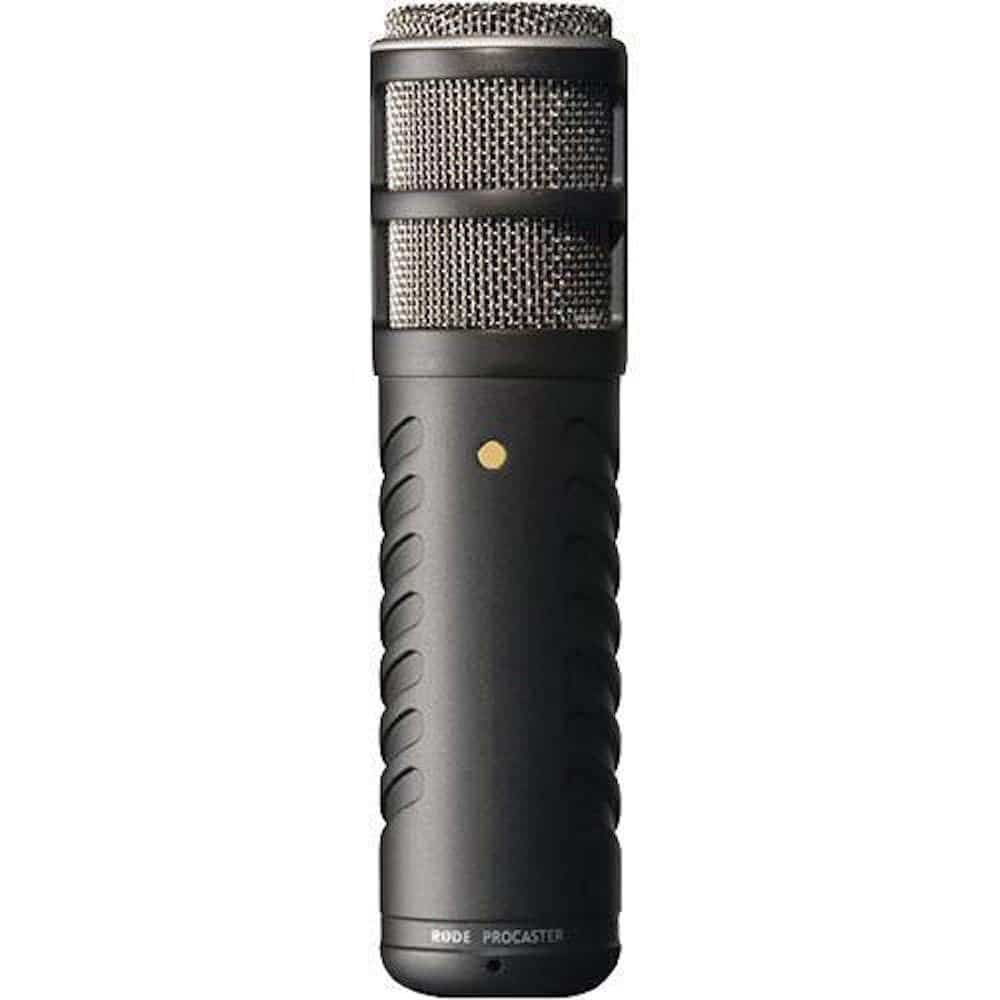
Rode PROcaster

With its robust, all-metal construction, the PROcaster microphone by Rode has the features that any podcaster could want including broadcast sound quality, a high output dynamic capsule, an internal shock mounting of the capsule for low handling noise and an internal pop-filter in order to reduce plosives. Designed and built for podcasting, the quality that the PROcaster offers can come at a price, but it is one of the best microphones available.

Learn More

$230


Yeti USB Microphone by Blue Microphones
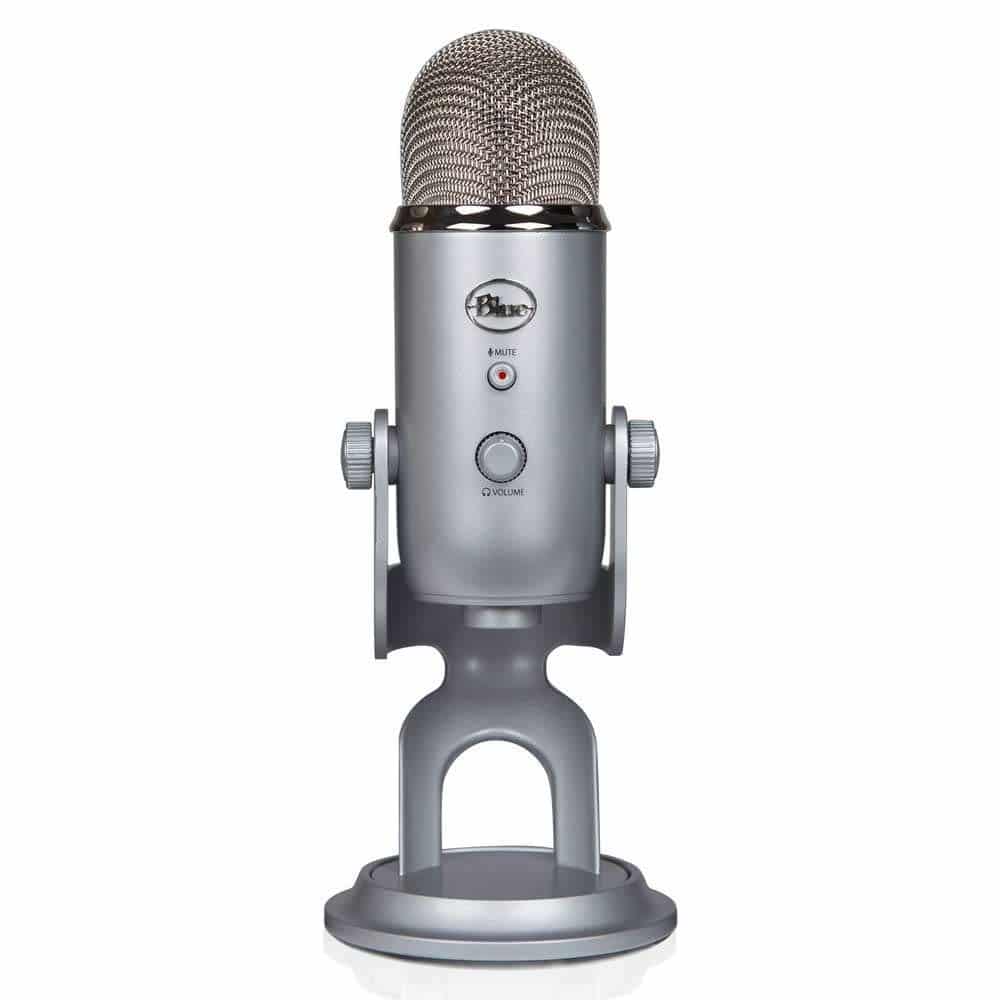
Blue Yeti

The Yeti Microphone is one of the most popular podcasting microphones available today. Whether you’ve been podcasting for a year or a week, the Yeti is one of the easiest out-of-the-box and press record options out there. Features that allow you to record in a variety of situations thanks to the three different condenser capsules in one, and the option to either use the microphone while plugged into your computer via USB or you can upgrade and use the XLR output for better sound quality. These features along with a reasonable price will make this a popular option for a long time to come.

Learn More

$97


HyperX Quadcast Microphone by HyperX
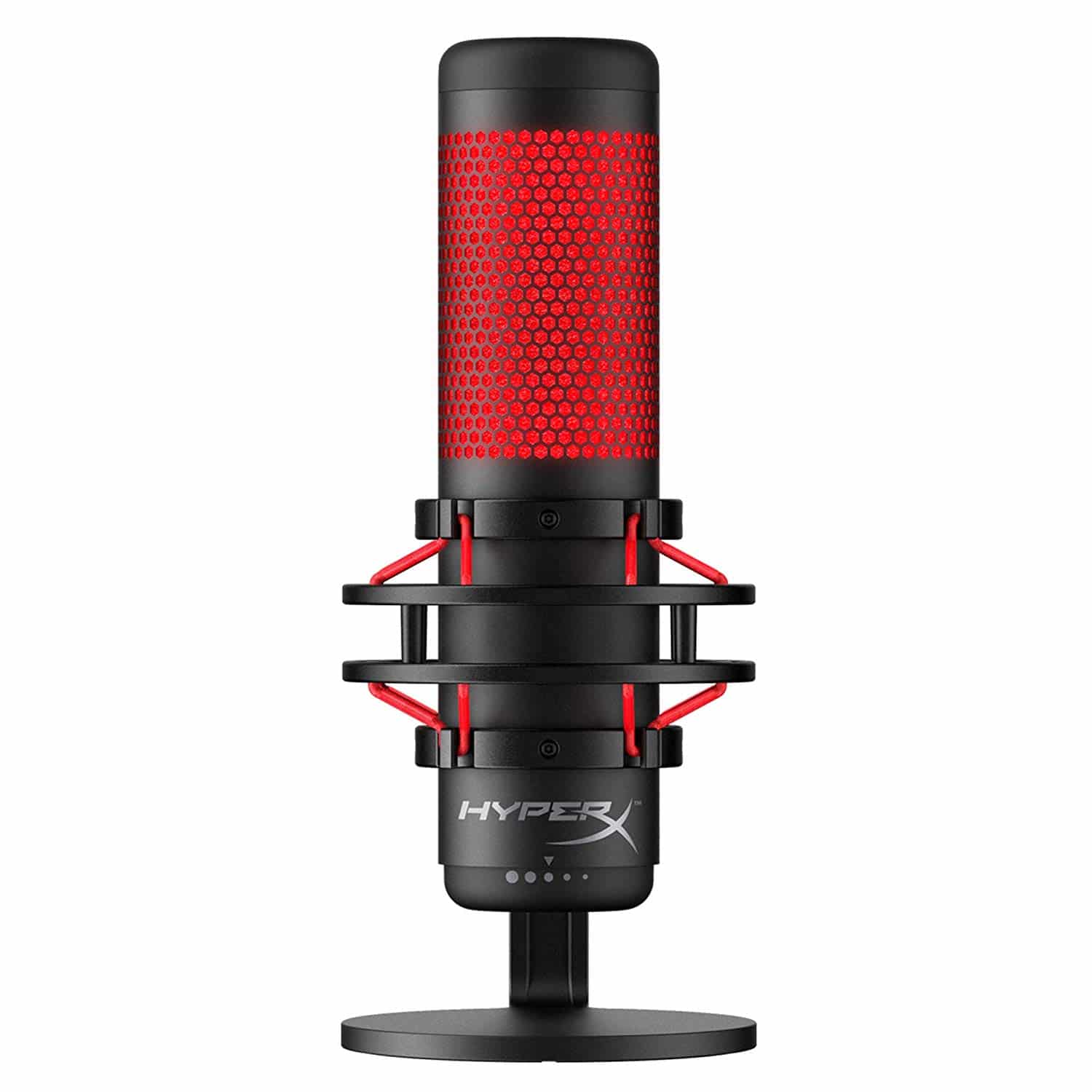
HyperX Quadcast Microphone by HyperX

In podcasting, plosive sounds such as when you say words with p, pf and others can cause an issue with the audio, which why many podcasters will use a pop filter to reduce their effect. With the HyperX Quadcast Microphone by HyperX, there is no need for a pop filter as the mic has a form-like material behind the grill reduce the effects those plosive sounds cause. With a grill that lights up, you’ll always know when the mic is on and a touchpad at the top of the mic will mute it, which can be handy especially if you live with other people or want to say something “off-air”.

Learn More

$140


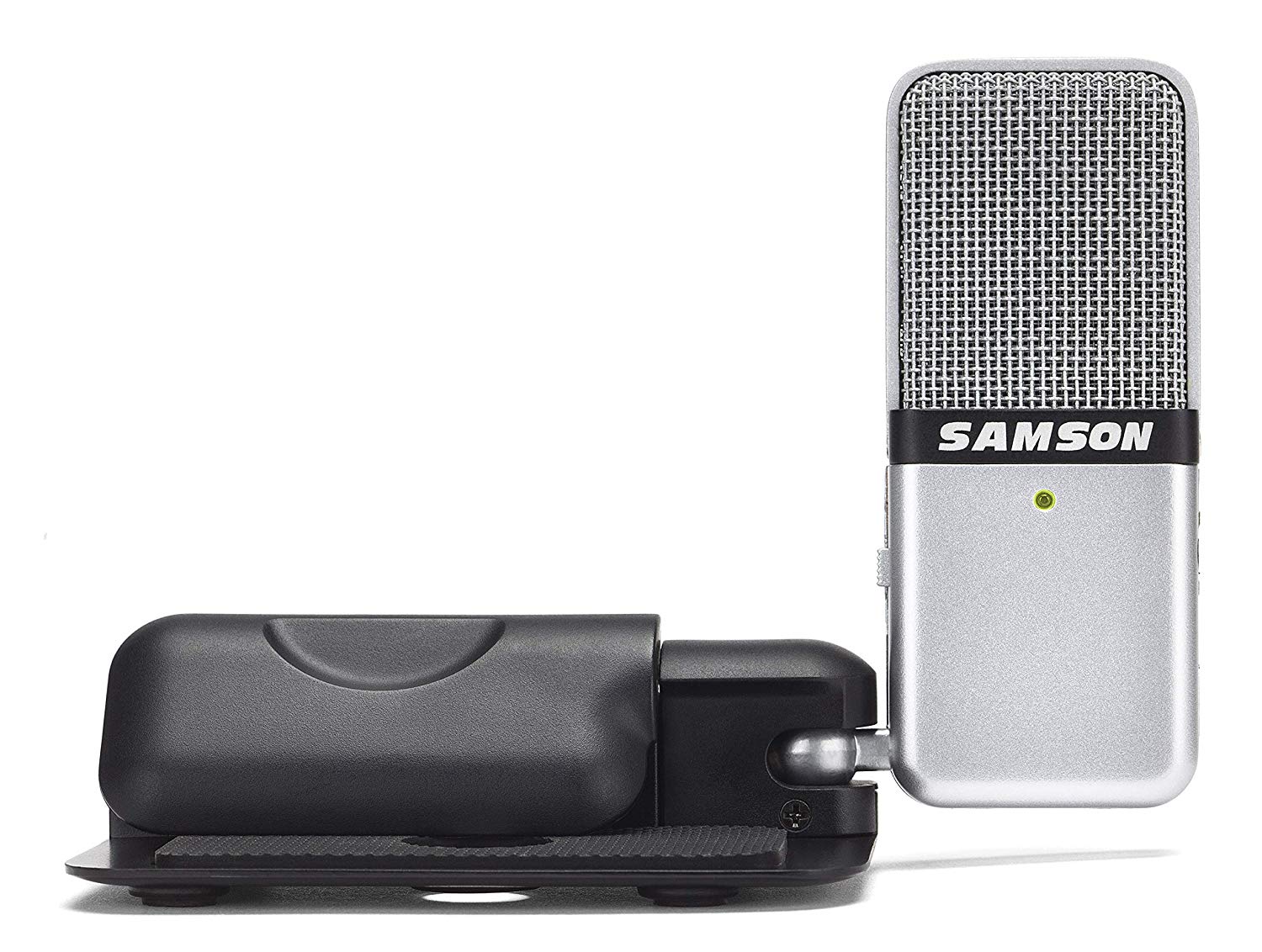
Go Portable Microphone by Samson

Go Portable Microphone by Samson

Depending on the type of podcast you’re doing, you may not always be able to sit in your home studio and record an episode or invite a guest over. You might have to interview them when at their office or in public. In these cases, microphones like the Go Portable Microphone by Samson are perfect to add to your bag on your way out the door. With a cardioid polar pattern for the up close recording of interviews and an omnidirectional polar pattern for recording in a large area such as a keynote speaker. The compact, handheld little device is relatively inexpensive that should be in every podcaster’s arsenal.

Learn More

$37


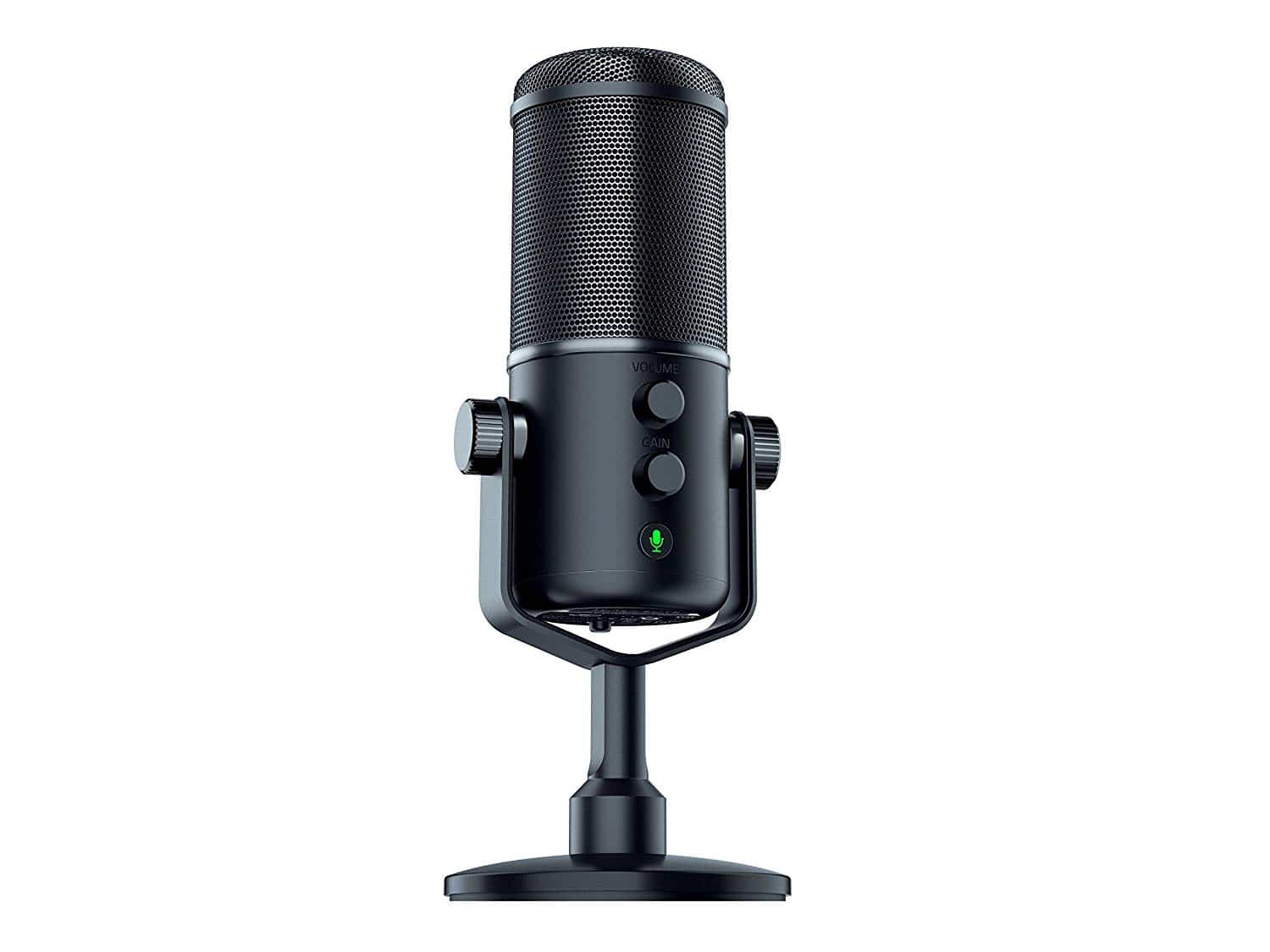
Razer Seiren Elite by Razer

Razer Seiren Elite by Razer

Razer, a company that is better known as a manufacturer of PC mice and keyboards for gamers, takes a step further into their product offerings with the Seiren Elite, a quality microphone for podcasters. With a cardioid pattern, this dynamic mic has a frequency range of 50 to 20kHz and a high pass filter to make the sound quality much better than their previous entry. With an onboard gain and volume control, as well as a mute button, the Seiren Elite is a streaming mic that podcasters should start taking notice of.

Learn More

$180


ATR2100-USB Cardioid Dynamics USB/XLR by Audio-Technica
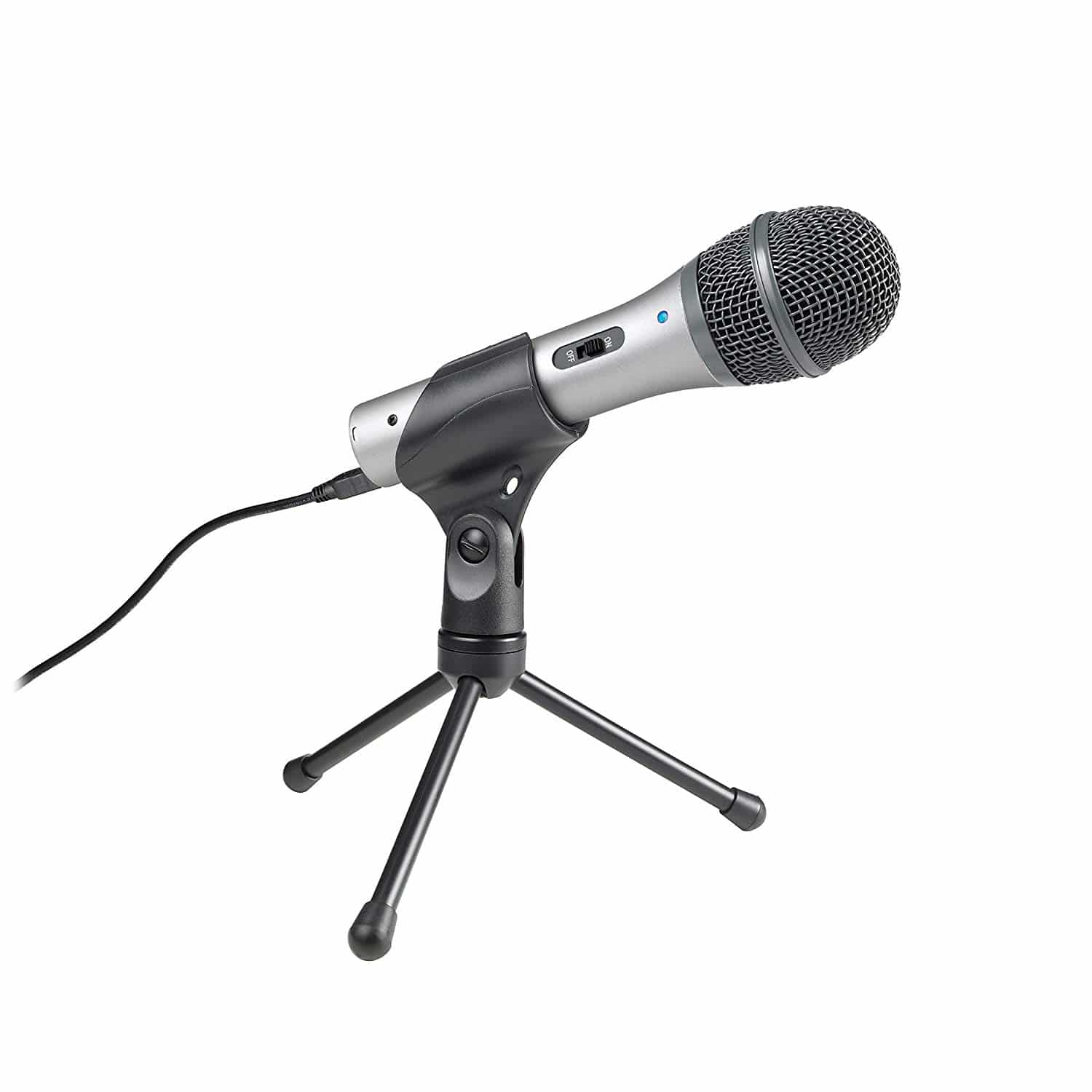
ATR2100-USB

The heart-shaped (cardioid) polar range helps this handheld microphone eliminate any unwanted noises in the background from behind you and from the sides that may ruin your recording. The ATR2100 is an affordable podcasting microphone for those just getting started and comes with a built-in headphone jack so you can listen back to the output from the mic without any delays. While the polar range will give you the clarity you may be searching for, because it’s a dynamic mic, the warmth will not be there.

Learn More

$63


Snowball iCE Condenser Microphone by Blue Microphones

Snowball IiCE Condenser Microphone by Blue Microphones

For many podcasters, having a mic not only lets them record a podcast episode but also allows them to conduct interviews through real-time chatting services like Skype and Google Hangouts with crystal clear audio. The Snowball iCE Condenser Microphone by Blue Microphones has a custom condenser that helps that audio sound as good as possible. A USB mic, you can easily plug it in and start recording. The best part is that this quality podcast microphone won’t break your budget, making it a great first or even back up option.

Learn More

$30


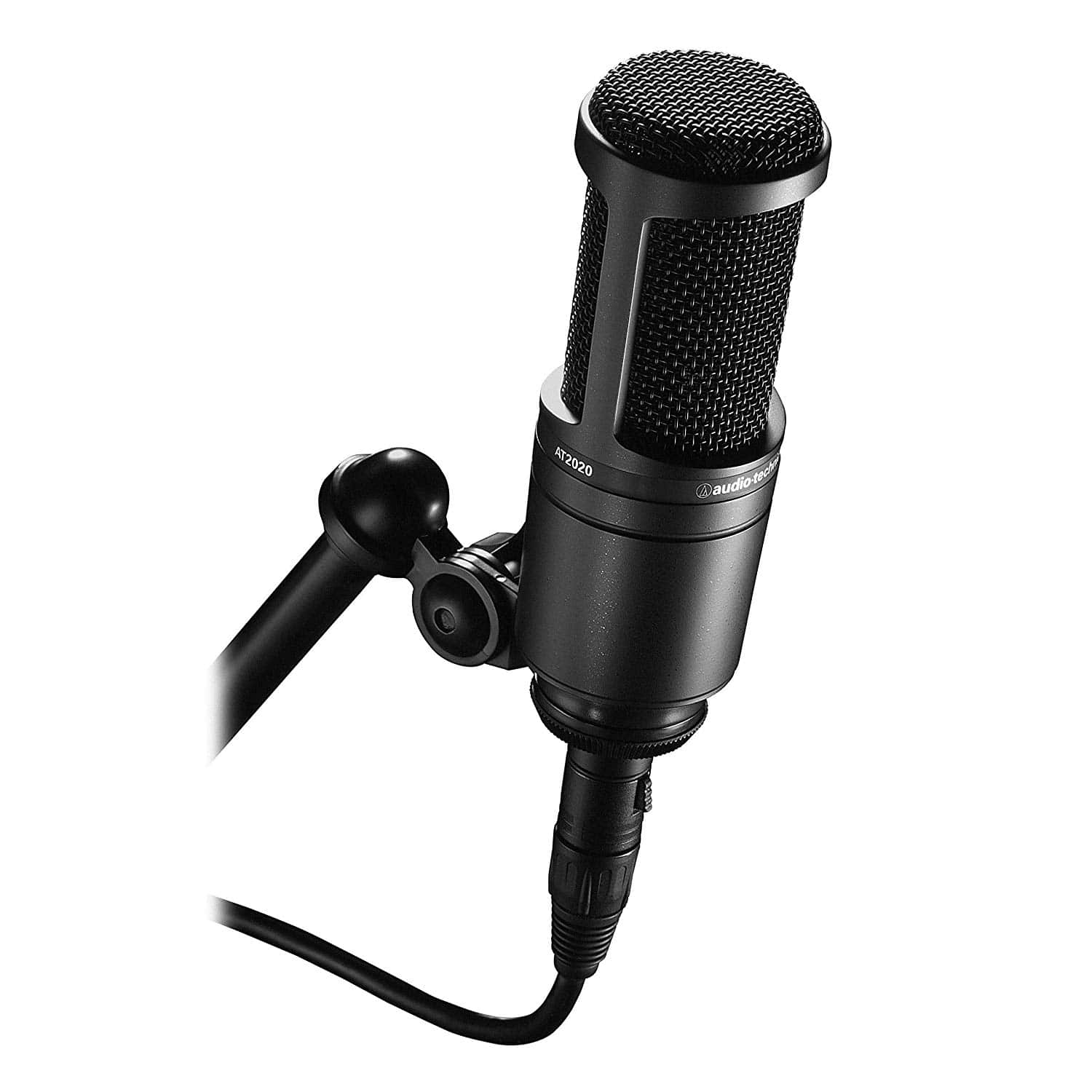
AT2020 by Audio Technica

AT2020 by Audio Technica

Favored by many podcasters out there, the AT2020 by Audio Technica is a perfect podcasting microphone if you are recording from your home studio as it has high SPL handling and unmatched versatility with its wide dynamic range. It isolates background noise from the desired source with its cardioid polar pattern, reducing noise from the sides and the rear of the mic. A custom engineered low-mass diaphragm also helps to provide an extended frequency response as well as superior transient response making it no wonder why it is favored so much.

Learn More

$130


Best Mic for Starting a Podcast or YouTube channel 2019

When you decide to start a podcast, it can be a bit daunting when you first look around at the equipment that is available. Luckily, we wanted to help you out and provide you with a list of our choices of podcast mics you should consider.

There are a lot of options out there that we didn’t cover.

Here they are summarised again:


Do you have a podcast? What mic do you use with your podcast? Let us know in the comments below!

Sunday, 7 April 2019

Top 6 Hosting Companies for Bloggers & Small Business

As a blogger or small business owner, you have many different web hosting providers to choose from, and the list is only growing.

Your choice of web hosting company makes a big difference in terms of the performance of your blog, and as a result it also has a huge influence on your search engine ranking.

When looking for a hosting company, you need to choose a provider that offers;

  • outstanding customer service,
  • a high level of guaranteed uptime,
  • and has an exceptional reputation.

We are going to help you find the perfect hosting provider for you by revealing some of the key ingredients you need to look for, as well as discussing six of the best hosting companies for bloggers & small business owners specifically.

The three ingredients you need to look for when choosing a web host provider

Before we take a look at the different options you have available to you in terms of web hosting provider, it is important to understand what separates the good from the good. There are three key ingredients that your web host needs to have. These are:

  • Outstanding customer support – The first ingredient you need to make sure the company has is excellent customer support. You need to have the peace of mind that you are not going to suffer large amounts of downtime. If there is an issue, it needs to be dealt with imminently so that your blog or website is not negatively impacted.
  • Great client feedback – The next ingredient is an impressive reputation. Take the time to read reviews that have been left on independent platforms so you can get a good understanding regarding the company’s standing in the industry.
  • featurHigh levels of performance – Last but by no means least, high levels of performance are critical. The hosting company you choose will have a massive influence on the performance of your blog, especially with regards to page load speed. If your blog takes a long time to load, your search engine ranking is going to suffer as a consequence. This is why it is pivotal that you go with a company that promises a high level of uptime, and by high we mean over 99 per cent.

The top 6 web hosting providers for bloggers & small business

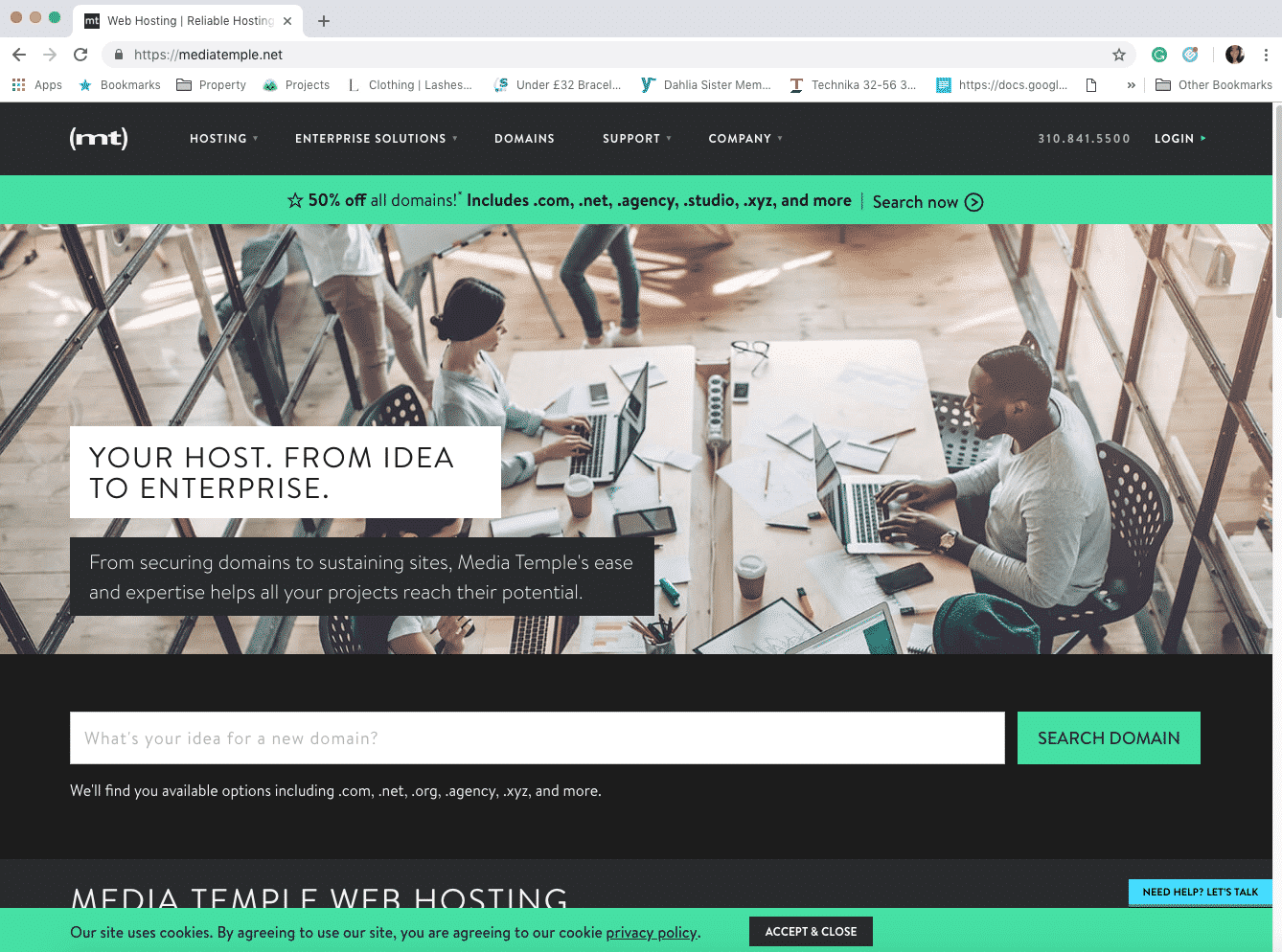
Media Temple (Just Creative’s Host)

With reliability at the core, it is only right that we start by discussing Media Temple. Media Temple provides an assortment of hosting plans for blogs, platforms, apps, and websites. This includes shared hosting, VPS hosting, and more. This is beneficial because it means you are likely to find a plan that is right for your specific needs. If you search online, you will see the provider has received great feedback with a lot of people applauding their phone support, which is available 24/7, as well as their wide range of services.

MediaTemple


BlueHost

BlueHost

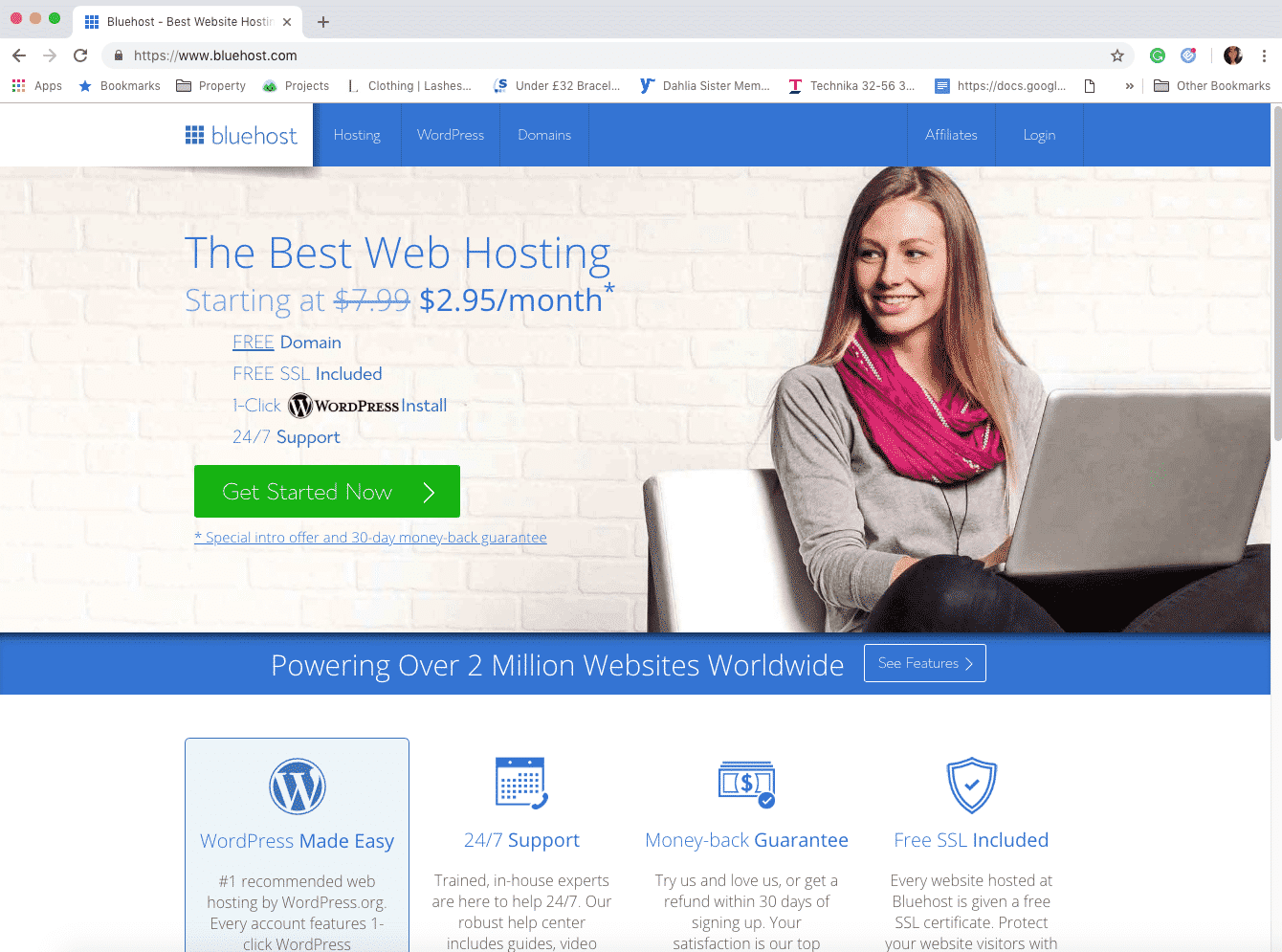
Coming in at just £2.00 per month, BlueHost is definitely a good option for those looking to make their money go as far as possible. If you are transferring a website, though, you will need to pay £120, whereas other hosting companies provide this service free of charge. You do get free domain name registration and unlimited bandwidth. Plus, the 24/7 support is a big plus and managing your account via the control panel is really easy.


GoDaddy

GoDaddy

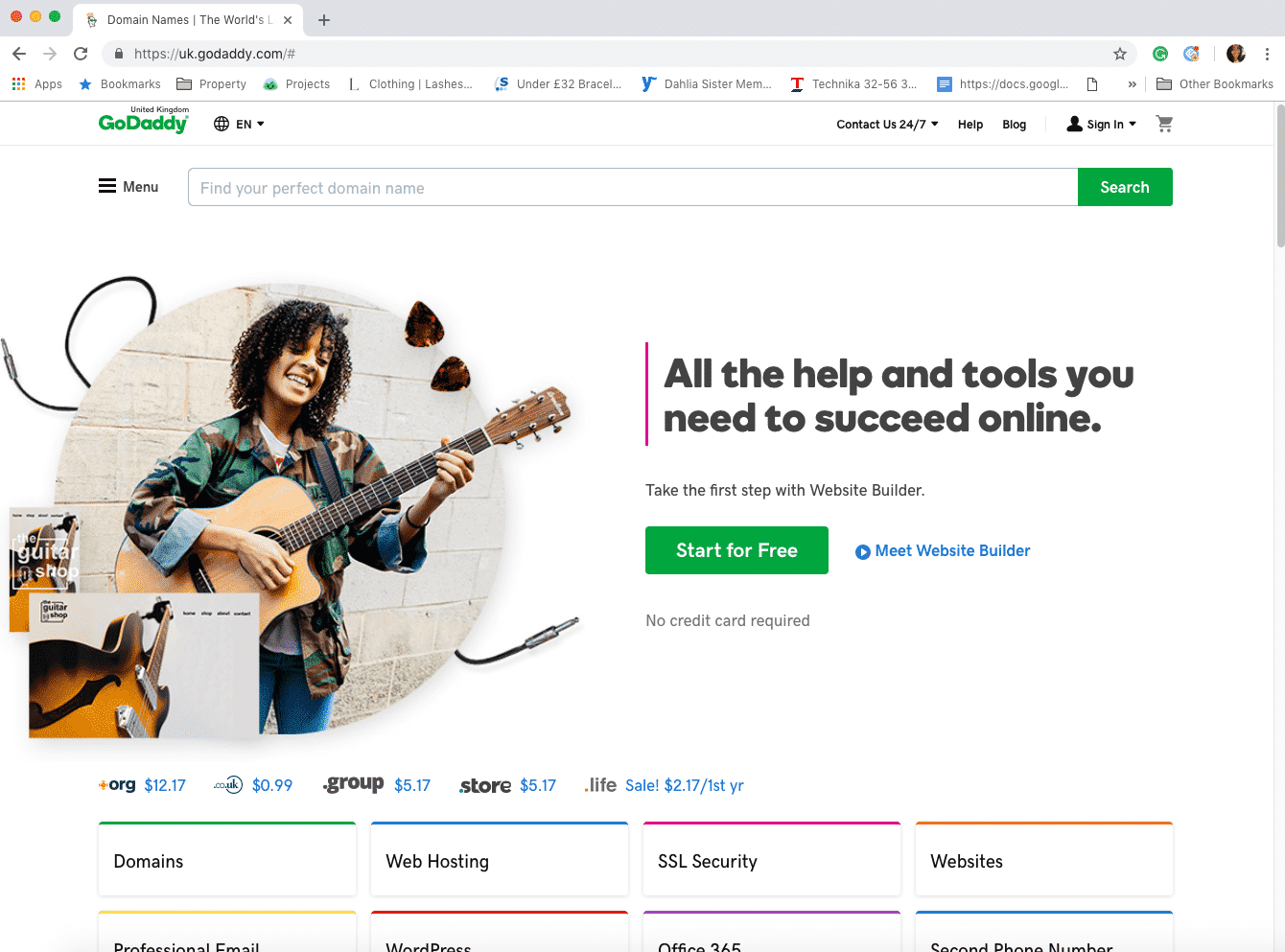
You are probably familiar with GoDaddy. There are a number of pros associated with choosing this web host provider, including their straightforward process. They also offer a wide assortment of services, making them a good choice for bloggers that are looking for more than a standard web host. You also get a good chunk of storage even on their cheapest plan (100GB), as well as unmetered bandwidth and a 45-day money-back guarantee. Other benefits include 24/7 security monitoring, DDoS protection, and a variety of plans, including Linux and Windows. Are there any negatives? The fact that live chat is only for sales queries can be a bit frustrating. Plus, while a £3.00 per month introductory price is low, there tends to be a big increase in price upon renewal.


GreenGeeks

GreenGeeks

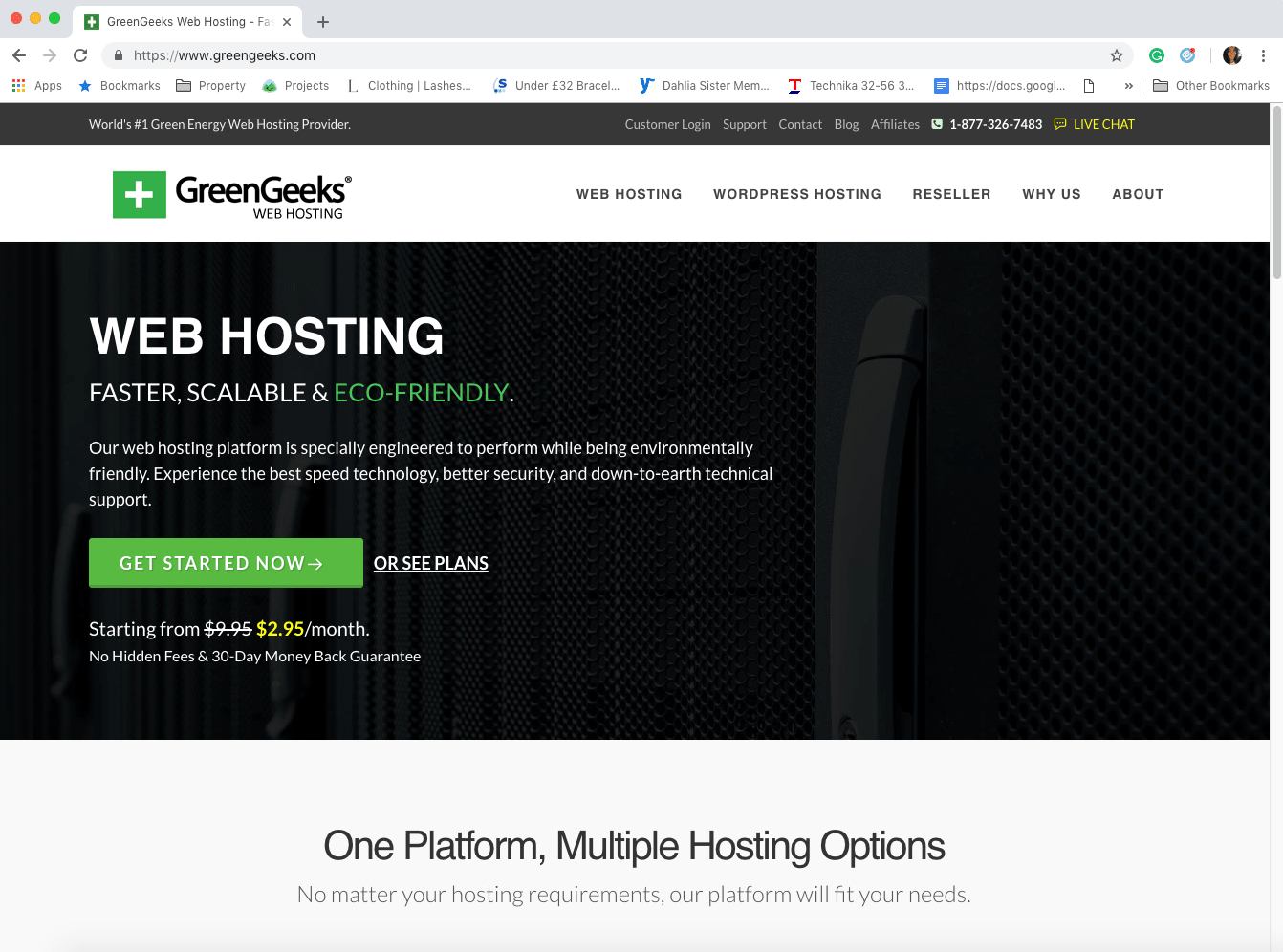
As the name gives away, this is a web hosting provider that is environmentally friendly. If you are looking for a way to go green with your blog, this is a good place to start. GreenGeeks utilises 300 per cent renewable energy to fuel their web hosting service. You may think that this comes at a price, i.e. their service is of a lower quality, but this is not the case. 99.9 per cent uptime is guaranteed. You also get free domain registration, a free SSL certificate, and a low price of £3.00 per month. What about the drawbacks? From the customer reviews that have been left, the support that is in place could be improved on.


HostGator

HostGator

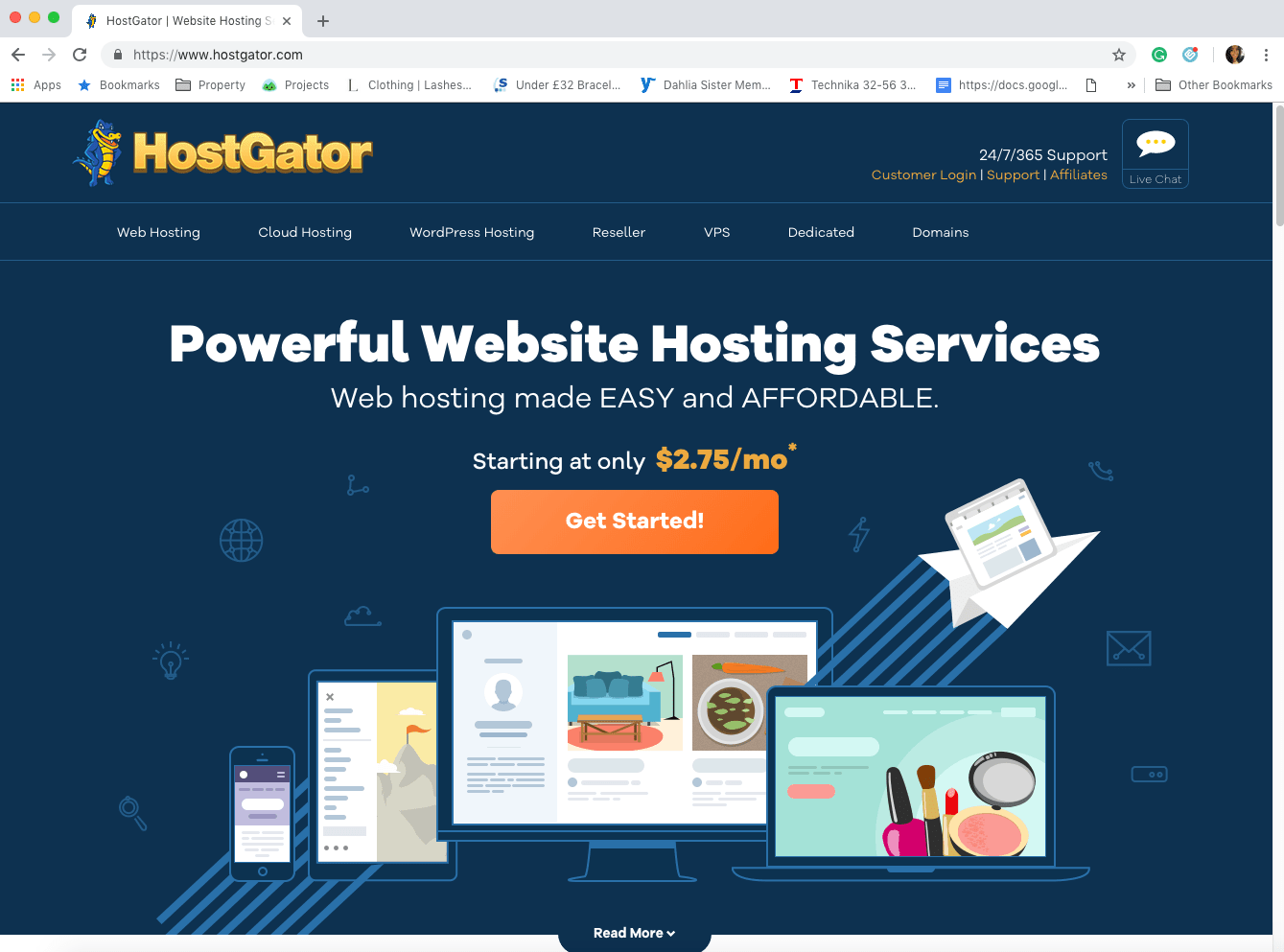
If you are in the process of setting up your first blog or website, HostGator is an option to consider. Favoured by beginners, HostGator providers 24/7 support, although the response times aren’t as quick as other web hosting providers on this list. Other features include a promise of 99.9 per cent uptime and a 45-day money-back guarantee. The price for this web hosting provider is £3.25 per month, making it the second most expensive option on the list. However, at least you have the peace of mind of knowing you can get your money back if you are not satisfied.


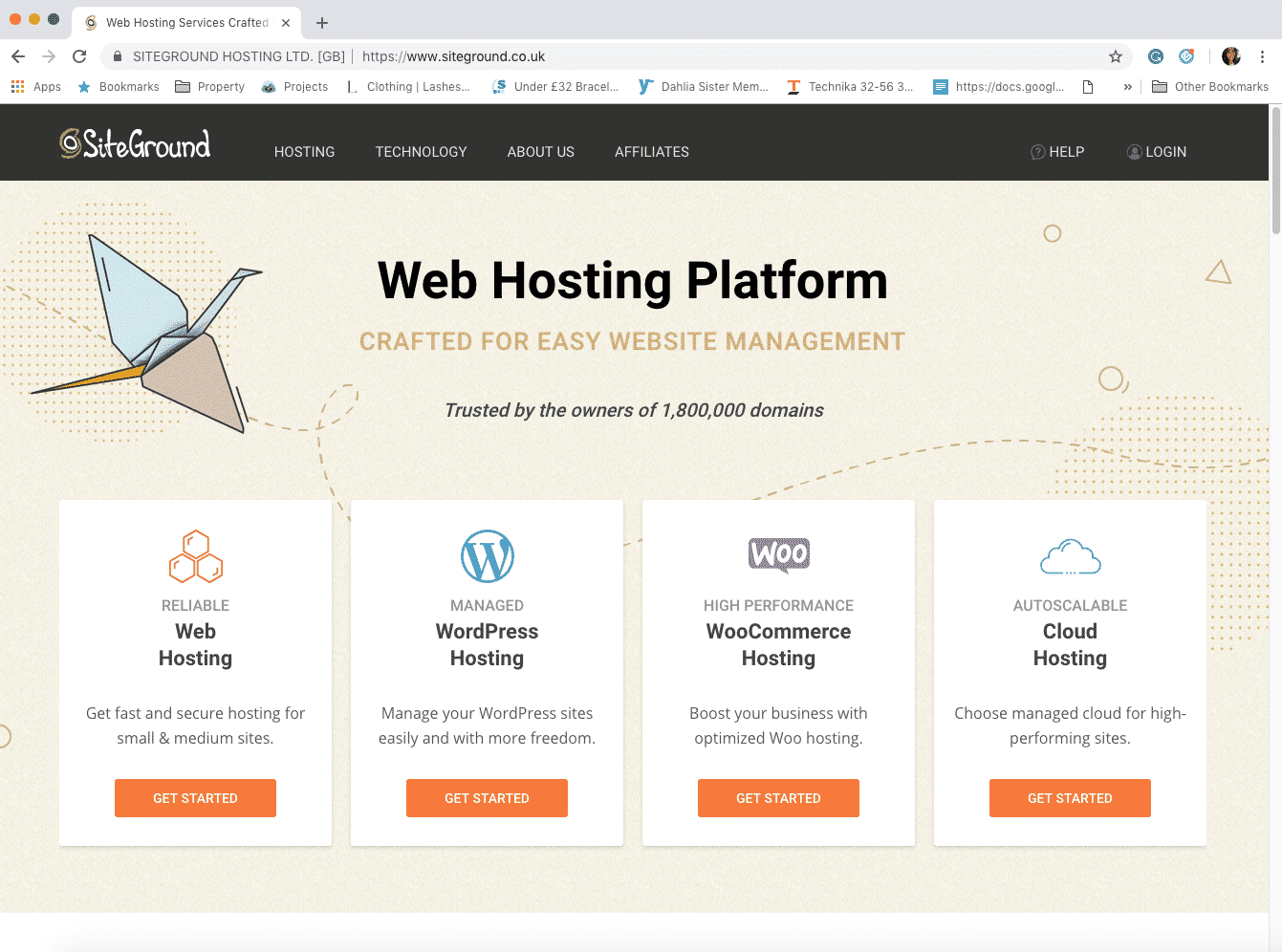
SiteGround

SiteGround

SiteGround is the preferred choice of WordPress.org, Joomla, and Drupal. SiteGround provide free site transfers and 24/7 customer support. In fact, live chat respondents typically only take between two and four seconds to get back to customers. This service costs £2.75 per month and you get a free SSL certificate, free auto daily back-ups, and a guarantee of 99.9 per cent uptime. One thing to be mindful of is that storage is limited to 30GB.

Best Web Hosts Summary

So there you have it: six of the best web hosting providers for bloggers & small businesses! Hopefully, you have now found a hosting company that has all of the qualities you are looking for. The six web hosting providers mentioned in this blog post have an exceptional reputation, especially with bloggers & small businesses. When you consider the influence that your hosting company can have on your reputation, you see why this decision is such a huge one, and needs to be made with care. Don’t cut corners or simply go for the cheapest host you can find. It’s all about value.

Tuesday, 26 March 2019

Two is Better Than One: Making the Most Out of Content Collaboration

This article has been contributed by DropBox. 

Make the most out of your partnerships with captivating collaborative content.

Content collaboration isn’t rocket science – it’s really as simple as it sound. It’s the idea of working with other professionals in your industry to create captivating content. It’s working with partners to find new ideas, answer linger questions, and provide new perspectives to customers through content they actually want to read and even better, want to share.

Collaborative content can come in many shape and sizes. From guest blogs and interviews to case studies and podcasts, nearly anything you can create can become a partnership. Once you understand why partnerships in content writing are important and how they can improve shareability of content, you’ll surely be jumping on the content collaboration bandwagon.

Let’s take a quick look at what you’ll learn from this article:

  • What content collaboration is and why you’ll want to start creating partnered content
  • The search engine optimization (SEO) benefits to joint content ventures
  • How to develop a plan for the best partnership
  • Who to partner with and why
  • Getting started with your collaborative content

Why is Content Collaboration a Big Deal?

When two like-minded (or even two opposite-minded) individuals come together to create content, there is a new kind of magic that is created. By taking two totally different ideas and opinions into account, the content has the opportunity to thrive into something brand new and unique. Here’s how that magic happens…

You’re sitting down with the content team to develop a plan and outline for a new article. You’ve got a few good ideas, but think that it might be a good idea to pull in a subject matter expert to confirm the information is relevant and timely to their customers.

The subject matter expert, who has a wide knowledge base of the topic, joins into your brainstorming process. They bring new ideas and customer challenges to life — things you’re team never would have thought of. Now, your original plan has transformed into something totally different and the subject matter expert has agreed to help collaborate on the piece.

Now you’re moving forward into a collaborative content article, with a clear plan and outline in place.

This subject matter expert also brings new skill sets with them that help to compliment your team’s current skill base. This new outlook coupled with their specialized skill set is going to greatly improve the final product you plan to sit down and create. Bringing this new expertise into the writing process allows them to annotate shared documents throughout the process to improve the content and produce the best possible product.

Two Freelancers Collaborating

Taking the time to seek out experts in the topic you are looking to collaborate with will be well worth your time in the long-run. They can help provide a new perspective and bring up ideas you may never have thought of.

Another benefit that comes with bringing someone who has a lot of knowledge on a topic into your content creation process is that the article can grow from a basis, singular voice to a two-sided conversation. The opportunity to add different perspectives throughout the resource offers a way to intrigue various audiences and keep people interested in reading. This will also allow you to provide a more rounded view on the topic – not just focus on your perception.

Working with outside resources (or internal experts — we’ll get to that) provides major benefits when it comes to content collaboration projects. Taking in as many new ideas and perspectives and allowing for collaboration via annotation during the creation process will help to build a more comprehensive, shareable content offer in the long run.

The more buy-in you have for the piece, the more likely people are to share it with their network. More shares equals more visibility and impressions.

So, How Exactly Does Content Collaboration Improve Visibility?

Increasing the visibility and reach of your content is one of the biggest benefits to working on collaborative pieces.

Think about it this way, if your company has 50,000 followers on Twitter and you’re the only one who shares the content offer – you won’t be reaching anyone new. But, if you work on a creative piece with an industry expert who has a Twitter following of over 100,000 followers, you have the opportunity to double the potential visibility.

Social Media

As your content is shared on social media or other distribution avenues, such a email, more and more people will see the article. The higher quality the content offer, the more likely people will share it with their networks.

Now, there is a good chance there is some overlap in followers on those two accounts, but you’re still increasing the viewing potential by 50%. That doesn’t even include the additional contacts they may have in their email lists and other social media platforms. From there, you may receive additional shares and likes that opens the content up to an even larger audience.

Ultimately, the goal here is to get your content seen by as many people as possible. By partnering with others to create and share this content, you’re just making this a step a little simpler.

Search Engine Optimization Benefits

Beyond the fact that you will be creating relevant and original content that appeals to your customers (and search engines!), there are a few additional benefits that will help impact your SEO efforts.

Although the algorithms continue to change, there are a few things that content collaboration will do to help improve your search placements. First, because you will be working with others who have additional industry knowledge, you’ll likely be hitting the pain points your customers need solved and answering their questions – helping search engines to provide the best and quickest results for inquires.

Online Marketing

SEO is a big topic in the world of content. Making better quality content, will result in a higher ranking for your page on search engine results.

Developing quality content around what people are searching and answering their questions is a huge factor in where your content will appear in search engine results. Not to mention, it will provide readers with information that they actually want to stay on the page and read. Ideally, once they’ve read the article, we want to see them share it with their network for an even larger reach opportunity.

Secondly, you can use the opportunity to link to authoritative sources (hopefully this is your partner in crime’s website), but also have backlinks to your content from these sources. The more authority the site linking to and sharing your content has, the better the results in search engine ranking. If your content is good enough, or you have connections with other organizations or media outlets, there is even more potential that your content could be picked up and linked to another authoritative website.

Influencers are a great place to easily build links, improve engagement and more. Just make sure you are working with the right people for your customers. You don’t want to waste your time working with people who don’t ultimately reach the audience you want to reach. Most industries have influencers who would be interested in working with additional companies. From fashion bloggers to building material magazines, there are a variety of influencers out there that you can begin to work with.

Getting Started and Finding the Perfect Partner

This might sound like a dating app – I guess in some ways it is – but developing a plan and finding the right person to develop content with is really important. Is your partner in this process reliable, are they knowledgeable in the topic, and do they have a large enough presence to beneficially share the content? All these questions need to be thought of before you engage in a relationship with them.

Develop a plan

Chances are good, the content you are looking to create falls in-line with a campaign or program you’re already, or looking to run in the future. Now is the time to sit down and identify what the main goal for this joint article is and where it fits into your current content strategy.

Is this the main whitepaper you are promoting, is it a supplemental interview, or is it simply a quote you’re looking to add to a case study?

Identifying this is the first step to developing your collaborative content plan and knowing what steps you’ll need to take from here. Do some research and really understand what form of content will get the most out of this partnership.

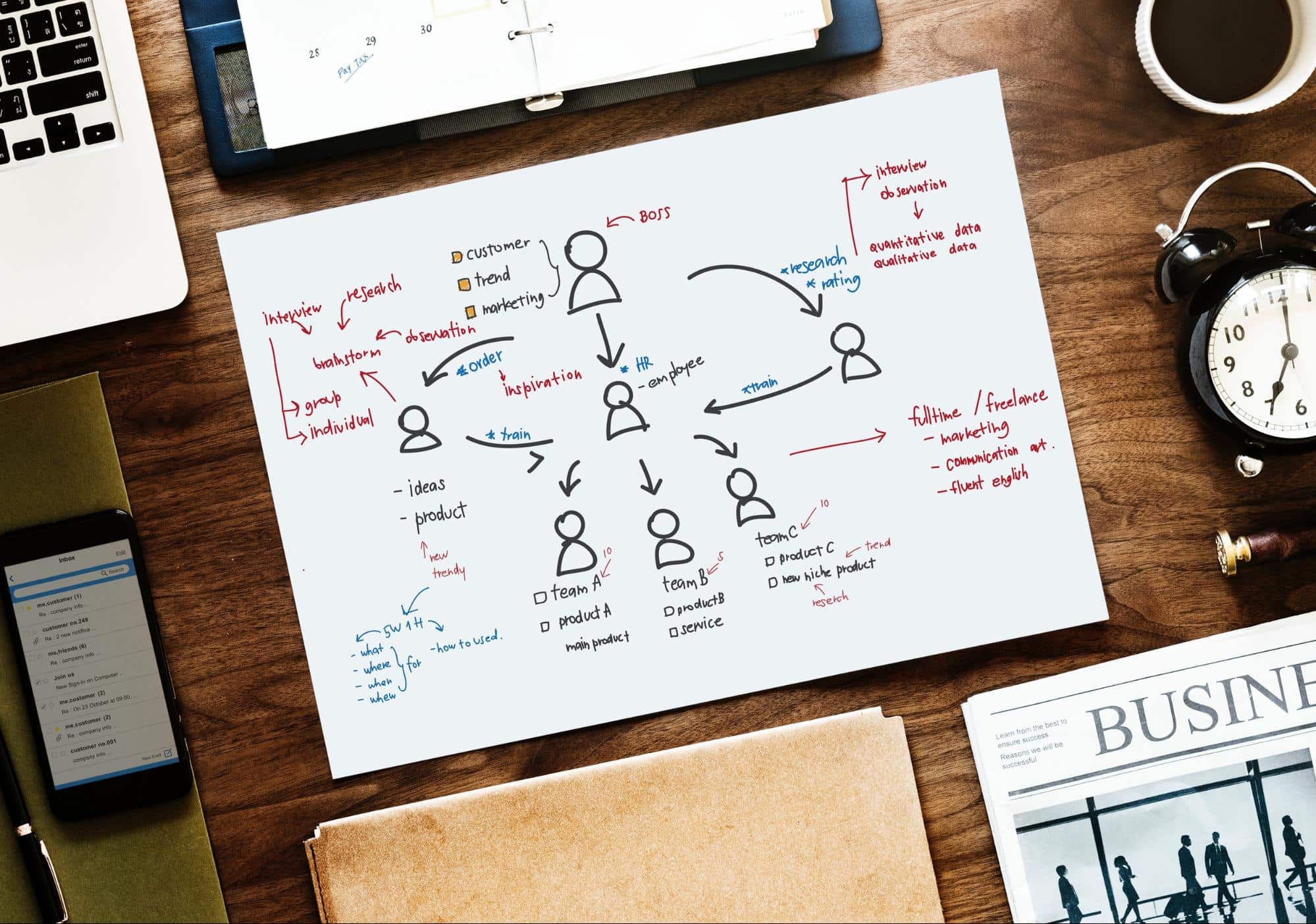
Social Graphs

Having a plan on how you will implement your content strategy is important in sticking to a content strategy.

Identify Who You’re Going to Work With

There are plenty of people out there who are willing to partner with you on content creation – the hard part is determining exactly who will provide the best insight (like we said — kind of like a dating app). Depending on the type of content, topic or target audience can make a big difference in who you reach out to working with.

You may determine that it is best to work with someone who is known as an industry expert or an industry “celebrity,” internal employees or even directly with customers. Let’s take a look at each different option and how it may benefit your final piece.

Work With Internal Experts

Sometimes, it is easy to forget that you might just have the collaborator that you need right in your own building. Most companies have some form of subject matter expert who can help to create well thought-out, industry relevant content. Leverage these internal assets, they will help to build content libraries while promoting your company.

Bonus: If your company has someone who is known as a subject matter expert in outside of your company, take advantage of the resource you have on hand. This could be someone who is involved in different organizations, discussions, or is a known expert in the topic.

It might seem like using your internal resources would limit the share ability of the content. But, that internal expert has an entire network of their own. By being more invested in the article (since they helped create it), they are more likely to share it with their outside network of individuals who are likely to share it with theirs – because it is relevant to them.

Your employees and colleague could be the key to your next big article. Even if they don’t have the time to help in writing content, they might spark a new idea that you hadn’t thought of before. Or, they may only have time to help annotate areas of improvement. Additionally, some employees work directly with your customer base and may have some insight into what problems you can solve for your audience

Working with internal and external experts in your industry can be beneficial in creating the most noteworthy content collaboration pieces.

Industry Experts, Bloggers, Influencers

Another great place to find influential partners is by looking at industry experts outside of your company, bloggers and influencers.  These are people who stand out in your industry or have a following around the topic at hand. Generally, anyone who falls under these categories is more than happy to share their knowledge and have their voice heard.

Their collaboration will share your reach with plenty of new contacts that may engage with them on a regular basis. People follow them to hear the latest and greatest from them – and your collaborative article might just be it.

Create Content With Your Audience

Working with people in your customer network can offer even more benefits when it comes to content collaboration. Take the time to brainstorm how you can work together with your customers and clients to build new exciting pieces of original content.

Figure out who the best customers to work with are and how they can help improve your content ideas. Once you’ve identified what customers make the most sense to collaborate with, it’s time to reach out and make a connection.

Some customers in your network may already be considered an influencer or industry thought leader – take advantage of the relationship you have with them to leverage this material. Don’t forget, this collaboration does not only benefit you, it will also bring awareness to the customer and let their work shine as well. Everyone in this equation will gain exposure — more than they would have alone.

If you find that you are creating totally new and fresh ideas, it might be the perfect time to take a step out of your comfort zone and connect with new minds. Take the time to find the perfect partner for your content piece, you’ll see the results in the long run.

Get Out There and Start Working With Your Network to Create Awesome Content

Now that you have a better understanding of what content collaboration is and why it is such a hot topic, it’s time to get out there and start making some fresh new content. Figure out what your customers want to know about and find the people in your industry who are thought leaders and can help with annotating your content from start to finish. Get your content heard! Don’t limit its life by creating something mediocre on your own when you could be creating something amazing with a partner.

This is a sponsored post for Dropbox. All opinions are their own. Dropbox is not affiliated with nor endorses any other products or services mentioned.

Thursday, 21 March 2019

Top 8 Best Logo Design & Branding Courses Online (Free & Paid)

Want to learn logo design online?

There’s certainly no shortage of logo design and branding courses, classes, training videos or tutorials online, making it difficult to choose what’s right for you.

To help this process, I’ve compiled the best logo courses online based on my experience as a brand designer and by asking other experts in the field.

When choosing your course, take into consideration the value, cost, length and content of each course, and the fact that some options are subscriptions, meaning you will get access to multiple courses and instructors.

Top 8 Logo Design & Branding Courses (Free & Paid)

These are the top free and paid logo courses online, with their cost and time required to complete the course/video.

Course Provider Cost (USD) Length
LogoCore $72-$320 (inc 65% off Adobe CC) 15-20 hours
Coursera 7 day free trial then $49/month 6 months (or less)
Udemy $10/course 10-15 hours
LinkedIn Learning 1 month free trial then $49/month 1-2 hours per video
Skillshare 2 months free trial then $10/month 30mins – 2hours per video
CreativeLive $39/month 3-5 hours per module
Futur $149 12 hours (2 hours per module)
Adobe on Udemy Free 8 hours


See here for the best free graphic design courses.

LogoCore Masterclass (includes 65% off Adobe Creative Cloud + 10% Discount)

LogoCore Masterclass

The LogoCore Masterclass is the most in-depth online logo course available, perfect for beginners and intermediate designers looking to learn logo design.

Master Adobe Illustrator, learn grid structures, how to vectorize a logo, how to present design work, create a styleguide, build a creative brief, get valuable feedback, animate logos and so much more. They also have a mentorship program.

Get an exclusive 10% discount with coupon code ‘JUST10’. Simply enter the coupon at checkout.

The best part? You get 65% off Adobe Creative Cloud.

» Learn More

$72-$320 | 15-20 hours

Coursera (Extensive 6 Month Design & Branding Course)

Coursera Design Course

If you’re wanting to a deeper dive into design fundamentals, typography, branding and logo design you should enroll in Coursera’s Graphic Design Specialization Course in association with California Institute of the Arts. The course goes over six months and costs $49 a month, and has a closing course ‘Brand a New Brand’ which puts all your new skills into practice.

» Learn More

7 day free trial, then $49/month | 6 Months

Logo Design Masterclass on Udemy

Logo Design Masterclass on Udemy

The Logo Design Masterclass on Udemy uses a hands-on approach to learning Adobe Illustrator and logo design as a whole.

This course contains 13 sections and 85 lectures, so it’s packed with value!

In addition to understanding the qualities of an effective logo, I also love that you learn about:

  • Working with clients and conducting research to give them the logo they desire
  • Formulating and sketching your logo ideas
  • Creating, editing, and finalizing your logo in Illustrator (There is a heavy focus on this)

» Learn More

$10 (Exclusive partner price – 90% off!) | 8-15 hours to complete

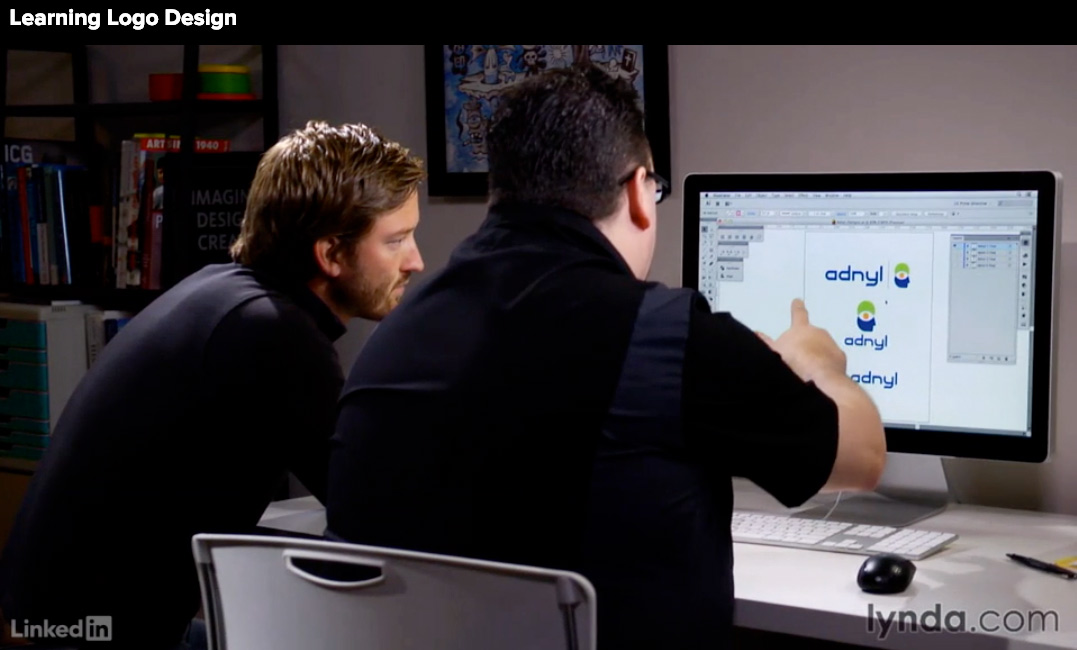
LinkedIn Learning (Formerly Lynda)

LinkedIn Learning - Von Glitschka Logo Course

There are two great teachers on LinkedIn Learning that I recommend you check out; Von Glitschka and Bill Gardner, both heavy-weights in the design industry.

Von Glitschka (Learning Logo Design)

Von’s 2.5hr class ‘Learning Logo Design‘ is packed full of juicy tips, not just for creating logos but the actual business of design; determining scope, quoting, naming, crafting identities and brand systems, pitching your work, styleguides and much more. He also has 6 other classes available.

Bill Gardner (Logo Development Series)

Currently, Bill has 10+ tutorials on logo design, but I recommended to start on his ‘Logo Development‘ series which goes into the fundamentals of logo design. Bill actually goes into the of value of preparation and research before getting into the creative side of things, discovering the motivations behind a client’s decision to rebrand as well as competitor analysis. A higher level look at the logo design process.

» Learn More

$59/month with LinkedIn Premium | 1-2 hours per video

Skillshare

Aaron Draplin Logo Course

For a quick dip into logo design, Skillshare offer short classes on logo design. Although these classes are a great way to wet your toes, they don’t offer a holistic solution to learning brand design, but they are perfect for learning & refining particular skills. For an energy-packed class, be sure to watch Aaron Draplin’s logo design tutorials.

» Learn More

2 months free then $10-$20 month | 30 minutes to 2 hours per video

CreativeLive

CreativeLive Branding Courses

CreativeLive offer a number of logo design & branding tutorials from a variety of different teachers. Like Skillshare, these vary in scope and quality and are shorter in length.

If you’re a business owner (non-designer) and are looking to learn the basics for your own “DIY logo”, check out this class on logo design for your small business.

» Learn More 

$39/monthly pass or $25/month with a yearly subscription | 3-5 hours per module

Futur – Logo Design & Construction Course

Logo Course with Futur

This Logo Design & Construction course from The Futur, teaches you the creative process of logo design and “best practices from design professionals who charge $10k+”.

There are 6 modules that explore the different types of logo design; letter marks, monoline logos, word mark logos, symbols, combination marks and crests. The Futur also have a number of free logo design videos on YouTube.

» Learn More

$149 | 2 hours per module (x6)

Top Free Logo Design Courses Online

Want to know how to learn logo design for free? Here are the best free course to learn logo design online.

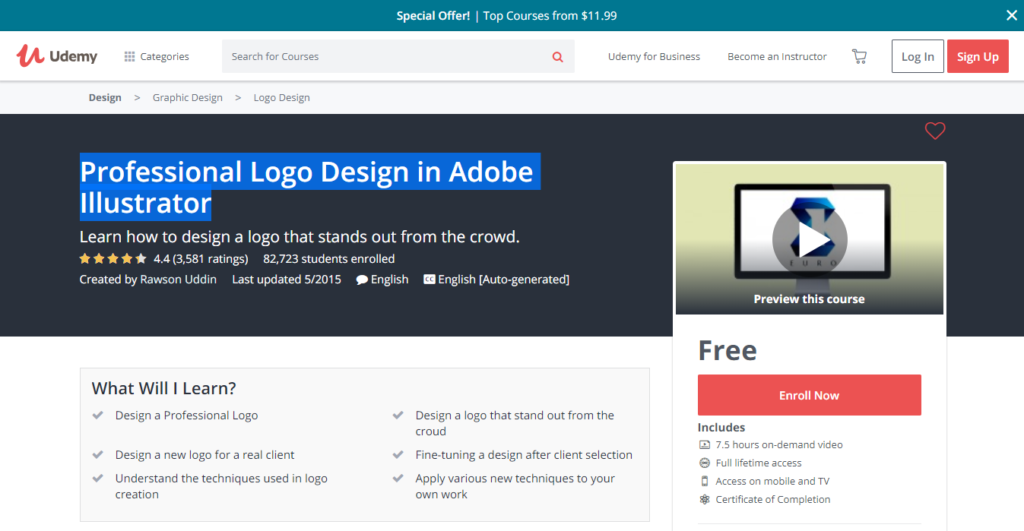
Professional Logo Design in Adobe Illustrator

Udemy - Free Graphic Design Course Logo Design in Adobe Illustrator

In Professional Logo Design in Adobe Illustrator, created by Rawson Uddin, students are given access to over seven hours of on-demand video courses, as well as full lifetime access and receive a certificate of completion at the end of the course. The only recommended requirement is to have a basic knowledge of Adobe Illustrator as the course is an advanced lesson.

Throughout the course, you will learn about a plethora of topics that can help you design your own logo or maybe even start a logo design business on the side. These topics include:

  • How to choose the right typeface
  • Using simple shapes in a design
  • Designing with negative space
  • Choosing colors for the logo
  • Adding other effects to your logo design

Along with the course, you can download a working file to practice with as you go through the course. All in all, the Professional Logo Design in Adobe Illustrator provides a robust class for those looking to start designing logos.

» Learn More

Free | 8 hours

See here for more top free logo design courses.

How to choose the best Logo Design Course for you

Choosing to take an online course to learn logo design or the business of design is a very honorable thing to do. Like you, I understand that time, money and many other factors can keep you from picking one course to take over another.

I hope that the courses showcased here can give you some idea of some of the best paid & free logo design courses available online today.

Top 8 Logo Design & Branding Courses (Free & Paid)

Here are the best courses summarised again.

Course Provider Cost (USD) Length
LogoCore $72-$320 (inc 65% off Adobe CC) 15-20 hours
Coursera 7 day free trial then $49/month 6 months (or less)
Udemy $10/course 10-15 hours
LinkedIn Learning 1 month free trial then $49/month 1-2 hours per video
Skillshare 2 months free trial then $10/month 30mins – 2hours per video
CreativeLive $39/month 3-5 hours per module
Futur $149 12 hours (2 hours per module)
Adobe on Udemy Free 8 hours


See

Have you taken an online branding course? Let us know more in the comments.

Tuesday, 19 March 2019

How I Get 1000 Email Subscribers a Week

If you’re wanting to start a newsletter, get into email marketing, or simply just want more email subscribers, listen up!

This is the method I use to get 1000 email subscribers a week, using lead magnets on my website.

To get started:

  1. Get traffic to your website with great content & marketing
  2. Capture emails with a lead magnet popup, such as my free logo ebook

For part two, I recommend using the conversion optimisation software, OptinMonster. I use Aweber for sending my emails.

OptinMonster FLASH SALE (2 days only)

Get 35% off between March 19-March 20, 11:59PM EST. Use coupon ‘LUCKY35’.

Let me know if you have any questions!